Data Cleaning in SQL: Practical Patterns
|
9
min. Lesezeit

A dashboard spikes overnight, and the first explanation is usually business activity. Then someone checks the warehouse and finds duplicate orders, missing foreign keys, or dates parsed in two different formats. The report wasn't “almost right.” Its inputs were inconsistent, and every downstream calculation inherited the problem.
That's the operational reality of data cleaning in SQL. The work is less about clever syntax than about measuring defects, isolating risky records, applying deterministic repairs, and preventing the same defects from returning. At warehouse scale, a careless UPDATE can damage more data than it fixes, while a well-staged SQL workflow can make quality logic repeatable, reviewable, and efficient.
Table of Contents
Why SQL Remains the Backbone of Data Cleaning
A large analytics workload can spend more time preparing data than analyzing it. A widely cited benchmark says analysts and data scientists can spend up to 80% of their time cleaning and preparing data, a finding discussed in this SQL data cleaning overview from Domo. That allocation explains why operations such as filtering nulls, removing duplicates, standardizing formats, and validating ranges became baseline skills for data engineers and analytics engineers.
SQL sits close to the data, which matters in modern ELT architectures. Raw records can be loaded into a warehouse and transformed where they already live, instead of being repeatedly extracted, moved, and processed in another system. The database becomes the execution layer for quality logic, while SQL statements provide a deterministic record of what changed and why.
A typical incident starts with a small defect that becomes a large reporting problem:
Duplicate business events: A retry in an ingestion job creates two rows for one transaction, inflating revenue or volume.
Missing relationship keys: A null customer or product key prevents a join from matching, so the dashboard undercounts activity.
Format drift: One source sends a date as text in a different convention, shifting records into the wrong reporting period.
Sentinel values: Empty strings, placeholder dates, or zeroes stand in for missing information and pass superficial null checks.
Production rule: Treat cleaning as a controlled data operation, not as an improvised series of fixes inside a dashboard query.
The distinction matters because SQL can both repair and conceal defects. A COALESCE may make a report render while masking a missing value that should trigger an upstream incident. A broad DELETE may remove duplicates while also deleting the valid record that should have been retained. Good cleaning logic classifies errors first, isolates affected rows, and preserves enough evidence to audit the decision.
For readers who want broader SQL examples and practical perspectives, Wonderment Apps' SQL resources offer useful context around the language and its applications. For teams evaluating warehouse-native quality execution, digna's in-database data quality guidance is relevant because keeping checks near the data reduces unnecessary movement and separates validation logic from fragile external scripts.
Profiling Your Data Before Writing a Single Fix
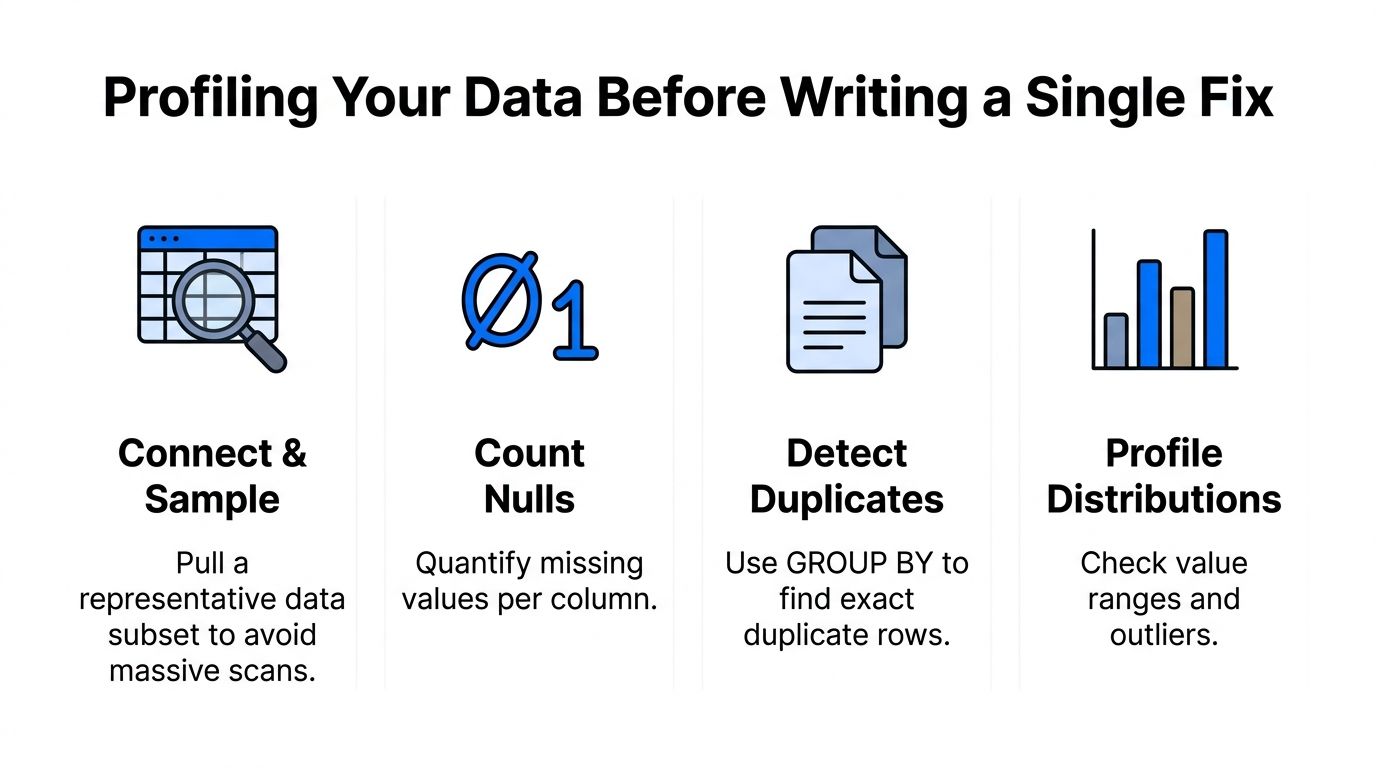
The most expensive cleaning mistake is often the first one: writing an UPDATE before measuring the problem. A profile gives you a baseline, reveals whether the issue is isolated or systemic, and lets you compare the dataset before and after remediation.
Start with a representative sample when the table is large. A sample won't replace a full validation pass, but it helps you inspect formats and business values without immediately forcing a massive scan. Run targeted aggregates against the full table when the warehouse engine and partitioning make those checks practical.
Establish a defect baseline
For nullable columns, count missing values directly rather than relying on a visual sample:
A null rate is useful because it makes the defect measurable and comparable across pipeline runs. You can also group missingness by source system, partition, or ingestion date to distinguish a longstanding data characteristic from a recent break.
Distinct-value checks expose unexpected categories:
Look for spelling variants, inconsistent casing, empty strings, and values that violate the business vocabulary. A column that appears to contain a small set of statuses may contain several representations of the same state.
Find duplicates without touching production
Exact duplicate detection starts with grouping the columns that define the record:
This query tells you where duplicates exist, but it doesn't tell you which row should survive. Capture suspicious records in a separate staging table and include ingestion metadata, source priority, update timestamp, and a stable surrogate key when available.
The exact syntax varies by warehouse, but the operating principle is consistent: never experiment directly on the production relation when you can isolate candidates first. Practical SQL cleaning guidance also recommends validating transformations on small subsets before applying them broadly, which reduces the blast radius of an incorrect predicate. The data profiling techniques used in warehouse cleaning complement this approach by making the inspection phase explicit rather than treating it as optional preparation.
Measure first, repair second. If you can't state how many rows are affected, you can't safely review the change.
Handling Nulls and Removing Duplicates at Scale
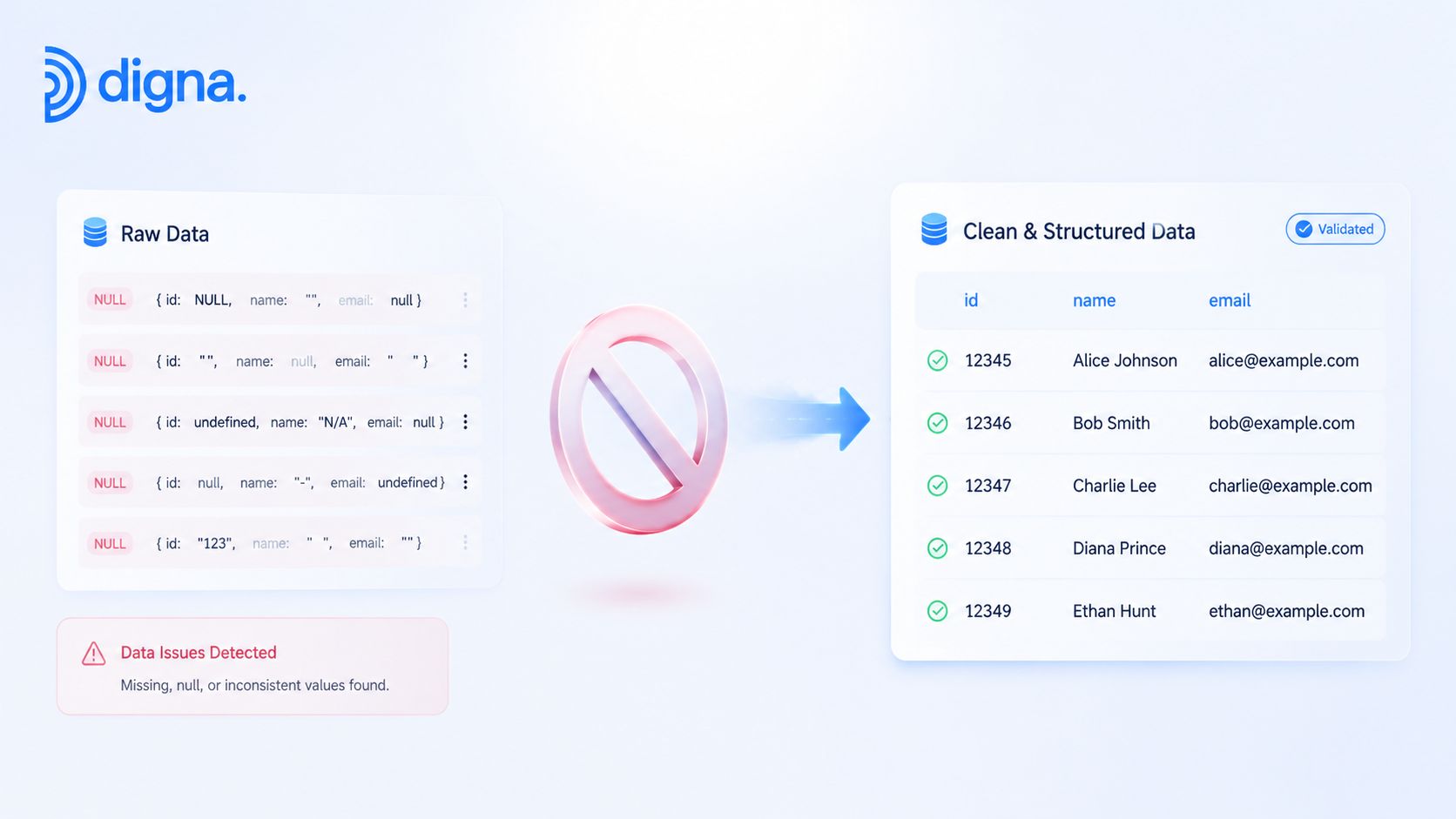
Null handling is a business decision disguised as a SQL expression. Replacing every missing value with a default may simplify downstream queries, but it can also convert “unknown” into a false assertion. Keep the original value available when the distinction matters.
COALESCE is appropriate when a fallback has a clear meaning:
That pattern is safer for presentation than for irreversible storage. If an absent currency means the source failed to provide required information, a validation flag is more honest:
NULLIF helps convert known placeholders into true nulls before profiling:
You can also use conditional logic when the correct replacement depends on a documented rule. Don't infer a customer attribute from an unrelated field merely because the query needs a non-null value.
Deduplicate with an explicit survivor rule
ROW_NUMBER() is the durable pattern for identifying one survivor within each duplicate group:
The ORDER BY clause is the important part. “Keep the latest” only works if the timestamp is trustworthy and ties have a deterministic fallback. If records differ in completeness, rank by a documented completeness rule instead of assuming the last-arriving row is the best one.
For warehouse-scale tables, materialize the ranked result into a new relation or replacement partition where possible. Rebuilding a clean partition can be safer than issuing a massive row-by-row delete, especially when the table is clustered or partitioned. Preserve rejected rows in an audit table if the duplicates may require source-system correction.
Know how uniqueness treats nulls
SQL Server has a particularly important behavior: a UNIQUE constraint allows NULL, but only one NULL value per constrained column is allowed, as documented in Microsoft's unique and check constraint reference. That behavior can surprise teams cleaning optional fields, because null handling affects whether later records are accepted or rejected.
Use data completeness checks to separate “missing but permitted” from “missing and invalid.” Delete duplicates only when the identity rule is unambiguous. Otherwise, flag the group for review and retain the evidence needed to explain why one record was selected.
Standardizing Text Formats and Fixing Data Types
Text inconsistencies often survive basic tests because they look correct to a person. A trailing space in a join key, different casing in a status, or a Unicode character that resembles an ASCII character can produce unmatched joins and fragmented aggregates.
Normalize values in a controlled projection first:
TRIM removes surrounding whitespace, while UPPER and LOWER establish a consistent comparison form. REPLACE can remove known formatting characters, but broad replacements are risky when punctuation carries meaning. Regular expressions are useful for pattern validation and targeted correction where the warehouse supports them, but they should be tested against real source variants rather than applied as a universal scrubber.
Make conversions explicit
Implicit casts are convenient during exploration and dangerous in production. A text value may convert differently depending on the engine, session settings, locale, or target type. Explicit CAST or CONVERT statements make the intended representation visible:
Before converting, profile values that fail the expected format. A failed cast should be captured as a quality exception, not discarded. Also check precision and scale, because a target numeric type can lose meaningful detail if it's narrower than the source.
Temporal data needs even more care. A timestamp without timezone context can shift when systems interpret it under different session settings. Standardize the source convention, convert with an explicit timezone policy, and retain the original raw value until the result passes validation.
Standardize before deduplication
Order matters. A practical cleaning sequence is to inspect nulls, duplicates, and unusual formats, then standardize text, fix types, and deduplicate after equivalent values have been brought into a common form. This ordering is described in SQL data-cleaning guidance on inspection and standardization.
If you deduplicate before trimming and normalizing, records such as ACME and ACME remain separate even though the business treats them as one key. If you add constraints before type conversion, the database may reject valid incoming records or preserve an unsuitable representation. Keep raw, normalized, and validated columns distinct during development so reviewers can compare each transformation.
Locking in Quality with Constraints and Validation Rules
A cleanup script fixes the current batch. A constraint protects the next batch. Use database guardrails where the rule is stable, local to the record, and important enough to reject invalid data at ingestion.
Constraint | Scope | Best Use Case |
|---|---|---|
| Column presence | Required identifiers, dates, and keys |
| Single column or combination | Identity control and duplicate prevention |
| Row-level boolean rule | Allowed ranges, statuses, and date order |
NOT NULL is straightforward, but it should reflect a real requirement. Applying it to an optional attribute creates operational friction without improving correctness. UNIQUE works well for natural identifiers or composite business keys, provided you've defined how nulls and late-arriving updates should behave.
CHECK constraints express rules such as:
ANSI SQL CHECK expressions can evaluate to TRUE, FALSE, or UNKNOWN, and they're limited to domain integrity. They can validate a row's values, but they can't inspect other rows for cross-row consistency, as explained in this SQL constraint migration reference. A CHECK can reject a negative amount or an invalid date order. It can't confirm that an account total reconciles across a separate table.
Choose hard rejection or soft quarantine
Hard constraints are appropriate when accepting a bad row would corrupt a critical table and the source can correct failures quickly. They're less suitable when upstream systems regularly send partial records that need investigation before finalization.
A soft pattern stores the record while adding validation columns such as is_valid, failure_reason, or rule_name. Downstream models can exclude failed rows, while operations teams retain visibility into the source defect. This approach costs more design effort, but it avoids turning a transient source issue into a failed load with no diagnostic context.
The SQL data validation rules and continuous quality guidance provides a useful framework for separating required values, formats, completeness, uniqueness, and referential integrity. In practice, combine constraints with staging validation. Constraints are the final gate, not a substitute for profiling, error classification, or an audit trail.
Moving Beyond One-Time Scripts to Continuous Monitoring
SQL cleanup is reactive. It repairs records after a defect has entered the pipeline, while continuous monitoring looks for the conditions that indicate a regression.
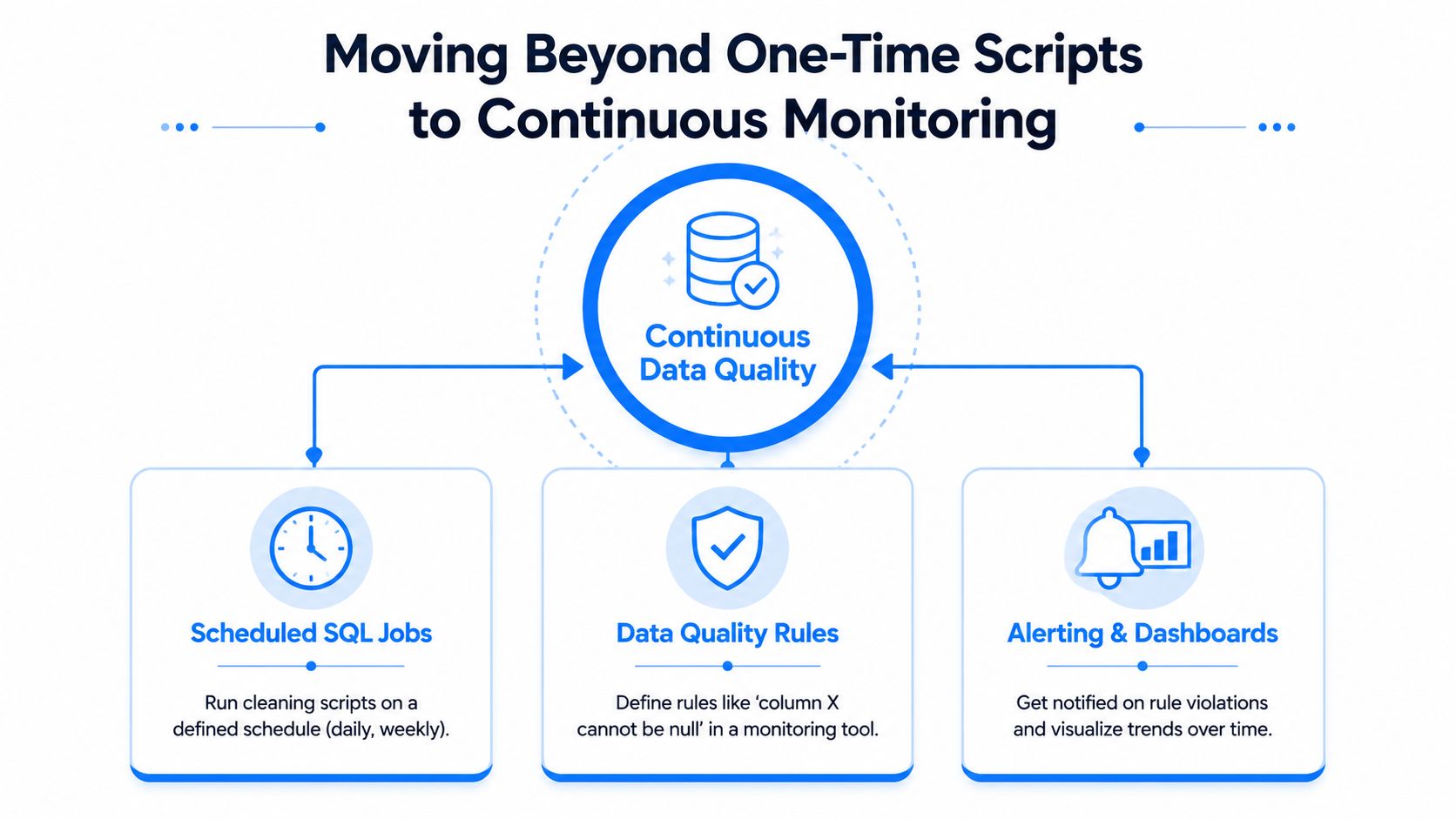
A mature workflow layers several signals over the cleaned dataset:
Scheduled SQL jobs: Run deterministic transformations on a defined schedule and record affected-row counts.
Quality rules: Check required values, valid formats, uniqueness, referential integrity, and business conditions.
Anomaly detection: Compare current distributions and volumes with established behavior to surface unusual changes.
Timeliness checks: Detect missing, delayed, or unexpectedly early deliveries.
Schema tracking: Identify added or removed columns and data type changes before downstream queries fail.
The right investment depends on the failure mode. Write a SQL script when the rule is deterministic, the transformation is repeatable, and the affected dataset is clearly bounded. Add automated observability when defects recur, source behavior changes, delivery timing matters, or a dashboard failure would be discovered too late by manual review.
Platforms such as digna execute quality and anomaly checks inside the customer's database environment, allowing teams to monitor data behavior without moving production records into an external processing layer. Its data quality monitoring capabilities fit the gap between scheduled cleanup and ongoing detection by combining validation, anomaly, timeliness, and structural monitoring.
Use digna to run in-database validation, anomaly detection, timeliness checks, and schema tracking across the datasets your SQL pipelines depend on. Visit digna to see how continuous monitoring can turn one-time cleaning logic into an operational data quality system.