Counting Lines in a File: Fast Methods for Any OS
|
5
min read

You're staring at a log file, a CSV export, or a pipeline input, and the count is off by one. The file looks fine in your editor, but the script says otherwise, and that tiny mismatch can break a load, a validation check, or a deployment gate.
The reason usually isn't a broken tool. It's a definition problem. Counting lines in a file sounds simple until newline endings, missing final line breaks, Windows and Unix conventions, and encoding choices start changing what “a line” means.
Table of Contents
The Hidden Trap in Simple Line Counts
A common failure pattern shows up when a data pipeline expects a clean record count, then a file lands with no trailing newline. The editor shows a last row, but the command line count doesn't agree. That gap is enough to trigger a false alarm in an import job or make a freshness check look wrong.

The core issue is that tools often count newline characters, not what humans think of as visual rows. GNU wc -l behaves that way, and it won't count a trailing partial line if the file ends without a newline, so a one-line file can report 0 lines in that edge case (GNU wc manual). That same semantic split is why the question isn't just “which command is fastest,” but “what does the count need to mean.”
Practical rule: if the count feeds automation, decide up front whether you care about physical line breaks or logical records.
That distinction matters in generated files, logs, and feeds that aren't edited by hand. A parser may treat the last row as present even when a newline is missing, while a shell counter may not. For data quality work, that mismatch belongs in the same conversation as validation rules and record completeness, which is why a structured check like digna's data validation and continuous quality approach is a better mental model than “just count the rows.”
Counting Lines on Linux and macOS
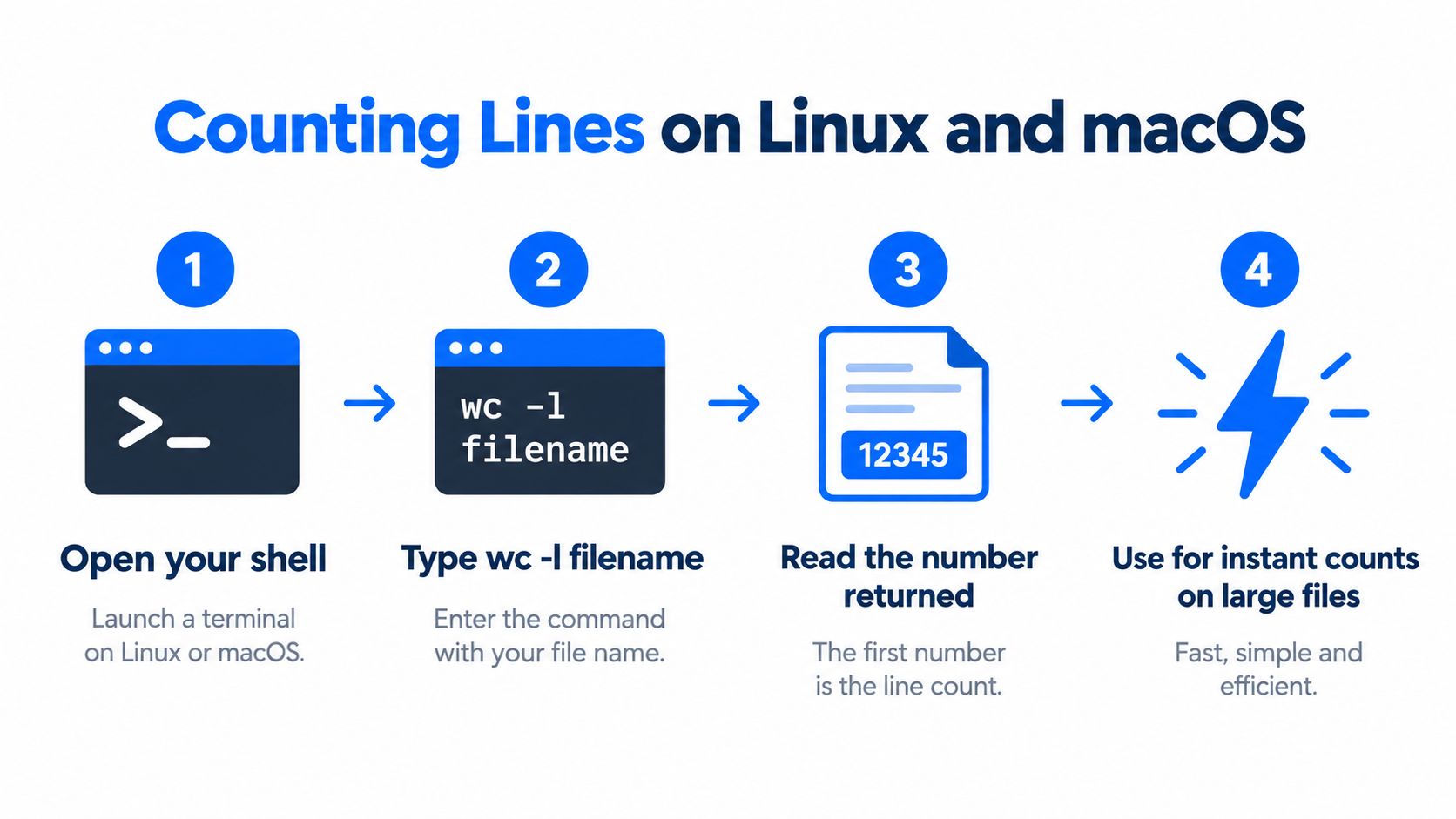
On Linux and macOS, start with wc -l. The command has been part of Unix text processing for a long time, and it is still the fastest choice for plain line counts because it is simple, native to the shell, and easy to script.
The commands to run
Use this when you want the filename in the output:
wc -l filename
Use this when you want only the number:
wc -l < filename
The second form is cleaner for scripts because it suppresses the filename and returns just the count. Modern manual pages define wc as printing newline, word, byte, and character counts, and the tool also supports totals when you pass multiple files. Red Hat's text-processing examples show the same style of straightforward shell counting, including grep -c '.' /usr/share/dict/words returning 479,826 matching lines (Red Hat's text-processing examples).
When speed matters
For plain total counts, wc -l is usually the right answer because it scans byte streams directly. In a benchmark on a synthetic 110 MB / 10,000,000-line file, wc -l < big.txt finished in 0.13 s versus 0.33 s for awk 'END{print NR}' big.txt, so AWK was about 2.5× slower in that test (benchmark details). Use awk when you need filtering or per-file logic. Keep wc -l when you only need the count.
Operational habit: use
wc -lfirst, then switch to AWK only when the count is part of a larger transformation.
For file-ingestion jobs, keep the count next to your landing-zone checks and record validation, especially if the data flows through digna's data ingestion pipeline. The point is to remove ambiguity before the file moves downstream.
Counting Lines in Windows and PowerShell
Windows gives you two practical paths, PowerShell and CMD. PowerShell is the cleaner one for line counts because it works with file contents as objects, while CMD still depends on older text tricks that work but are awkward to automate.
PowerShell first
The basic count is:
(Get-Content "file.txt").Count
For pipeline-friendly output, use:
(Get-Content "file.txt" | Measure-Object -Line).Lines
PowerShell documents Get-Content as returning file contents as an array of newline-delimited strings by default, while -Raw returns the whole file as a single string with newlines preserved; if the delimiter does not exist, Get-Content can return the whole file as one undelimited object (PowerShell Get-Content docs, PowerShell 5.1 docs). That matters because the count can change depending on whether PowerShell is treating the file as a collection of lines or as one text block.
CMD when you're stuck there
CMD has no direct wc -l equivalent. The usual workaround is:
find /c /v "" file.txt
The output includes the filename and formatting, so it works for quick checks but is awkward in scripts. If you need the count in automation, wrap it in a for /f loop, though PowerShell is still the better fit.
Rule of thumb: use PowerShell for scripts, and use CMD only when the machine is locked down and nothing else is available.
If you are building Windows automation and need a basic quality check before deeper validation, line counts are often the first low-cost test. A platform like digna can fit there as one option for dataset-level observability, because it tracks row-count behavior over time instead of treating each file as a one-off.
Counting Lines with Python for Large Files
Python is a good fit when the file is large, the platform varies, or the line count sits inside a bigger job. The trap is loading the whole file into memory when you only need a count.
Use buffered binary reads
Open the file in binary mode, read it in chunks such as 64 KiB or larger, count \n bytes, and add one extra line only when the file is non-empty and does not end with \n. That avoids character-at-a-time I/O, which is slow in any language. A C benchmark showed fgetc/fputc taking 5.90 s for a 150 MB pass, while chunked fread/fwrite at 65,536 bytes took 0.63 s (C benchmarking notes), which is the same bottleneck the Python loop avoids by reading 64 KiB chunks.
Why the chunked approach wins
The binary scan is portable, but the semantics still matter. Newline counting measures physical line breaks, so Windows \r\n, missing trailing newlines, and embedded newlines inside records can change the result if you expect logical rows instead of raw text lines. Python's binary mode and bytes.count keep that behavior explicit, and the newline rule is the same one covered in the File::CountLines guidance.
For pipeline checks, structured row statistics are often more useful than one-off counts. A tool that monitors row-count behavior over time, such as digna's anomaly-aware observability approach, fits when a short load matters more than the exact command used to spot it.

Edge Cases and Semantic Traps
Byte-level counting is not universal. Non-ASCII-compatible encodings such as UTF-16 or UTF-32 can break naïve line counting, and newline conventions differ between Unix and Windows. A file can also contain records that look complete in an editor but behave differently once a tool reads raw bytes.
GNU grep -c counts matching lines, and its line-oriented behavior can shift when the last byte is not a newline (GNU grep manual). That matters in pipelines where the count is part of validation, not just a quick check.
Encoding changes the game
Character-at-a-time approaches are a bad fit for large files. The practical issue is not only speed, it is interpretation. UTF-16 and UTF-32 store text in ways that make simple byte scans unreliable, so a tool that only assumes ASCII-style line breaks can return the wrong answer.
Python gives you more control here, but the safest approach still depends on the file format and how it was produced. In structured storage, row counts may belong to the format itself rather than the text layer, which is why Parquet-based pipelines need different checks from plain text files.
Newline conventions are not interchangeable
Unix uses \n, Windows commonly uses \r\n, and the same file can be treated differently depending on the tool. PowerShell's Get-Content returns newline-delimited text as strings by default, while -Raw keeps the file as one string, so the shape of the output changes the counting method (PowerShell Get-Content docs).
If you are checking generated files, that difference matters more than the command name. A count that is correct for raw text may be wrong for logical records.
That is the trap. File counting is only straightforward when the encoding, newline convention, and record model all line up.
Choosing the Right Method for Your Needs
The best method is the one that matches the platform, the file size, and the meaning of the count. For Linux and macOS, wc -l is the default for a raw total. For Windows, PowerShell is the cleaner shell-native choice, and for programmatic jobs, Python gives you control over buffering and edge-case handling.

Quick decision points
Use
wc -lwhen you're on Linux or macOS and you need the fastest plain count with no extra logic.Use PowerShell when you're on Windows and want a result you can pipe into the rest of a script.
Use Python when the file is large, the encoding is uncertain, or the count needs custom handling.
Use an editor or IDE when the file is small and you just need a visual check.
The practical difference is simple. wc -l is the quickest raw counter, PowerShell is the most natural Windows shell option, and Python is the safest escape hatch when semantics matter more than convenience. For team workflows, a data observability layer such as digna's modular monitoring platform can sit above these ad hoc checks and keep row counts, anomalies, and file arrival behavior in one place.
If you're tired of chasing off-by-one file issues after the fact, use digna to monitor the data behind those counts and catch empty or short loads before they hit downstream systems. Visit digna to see how its validation, anomaly detection, and timeliness checks fit into a production data pipeline.
When a line count is really a proxy for how many records arrived, digna Data Anomalies tracks row-count behavior in the database over time and flags empty or short loads that a one-off wc -l would never compare against history.
Frequently asked questions
How do I count lines in a file on Linux or macOS?
Use wc -l filename to print the count with the filename, or wc -l < filename to return only the number for scripts. In a benchmark on a 10,000,000-line file, wc -l finished in 0.13 s versus 0.33 s for awk, so reserve awk for filtering logic.
Why does wc -l show one line fewer than my editor?
Because wc -l counts newline characters, not visual rows. If a file ends without a trailing newline, the last partial line is not counted, so a one-line file can even report 0 lines. Decide up front whether automation needs physical line breaks or logical records.
How do I count lines in a file with PowerShell?
Run (Get-Content "file.txt").Count for a basic count, or (Get-Content "file.txt" | Measure-Object -Line).Lines for pipeline-friendly output. Get-Content returns newline-delimited strings by default, while -Raw returns one string, so the chosen form changes how PowerShell sees the file's lines.
What is the Windows CMD equivalent of wc -l?
CMD has no direct wc -l equivalent, and the usual workaround is find /c /v "" file.txt. Its output includes the filename and extra formatting, so it works for quick checks but is awkward to automate unless wrapped in a for /f loop. PowerShell is the better choice for scripts.
What is the fastest way to count lines in a large file with Python?
Open the file in binary mode, read it in 64 KiB chunks, and count newline bytes, adding one only when the file is non-empty and lacks a trailing newline. Chunked reads avoid slow character-at-a-time I/O: a C benchmark took 0.63 s chunked versus 5.90 s per character.


