10 Essential Data Engineer Tools for 2026
|
0
min. Lesezeit

The primary struggle is not a deficiency in data engineer tools. It's an overabundance, and the components don't fail in obvious ways. A connector loads late. A schema changes. A transformation still runs, but downstream logic starts producing bad rows. By the time someone notices, dashboards are wrong, stakeholders have exported CSVs, and the cleanup work is much larger than the original issue.
That's the reality of building a resilient data platform in 2026. The stack is better than it used to be, but it's also more fragmented. You can choose best-of-breed tools for ingestion, orchestration, transformation, storage, streaming, and quality. You also inherit every integration boundary between them. That trade-off is worth it when the stack is assembled deliberately.
This guide keeps the focus on how the tools fit together in practice. It covers ingestion, transformation, orchestration, storage, streaming, and the observability layer that keeps the whole platform trustworthy. If you're also evaluating adjacent automation patterns, this roundup of AI workflow automation tools is a useful complement.
Table of Contents
1. Fivetran
Fivetran is what teams buy when they want raw data landing in the warehouse quickly and don't want to spend months writing connector code. For common SaaS sources, databases, and replication patterns, it's one of the fastest ways to move from manual exports to dependable ELT. That matters when the business problem is simple: get the data in, keep it fresh, and stop maintaining brittle extraction scripts. A common stack looks like this: Fivetran lands raw data in the warehouse, then dbt turns that raw layer into models the business can trust. That placement matters. dbt is not the ingestion layer and it is not the orchestrator for an entire platform. It is the transformation layer, and it works best when a team is clear about that boundary.
Its strength is low operational friction. Pre-built connectors, schema evolution handling, and CDC support reduce the amount of custom ingestion logic your team owns. In a stack where dbt handles transformation and a warehouse handles storage, Fivetran becomes the ingestion layer that keeps the rest of the platform fed.
Where Fivetran fits best
Fivetran works best for organizations with lots of standard sources and a small platform team. If you're syncing CRM, ads, billing, support, and product data into Snowflake, BigQuery, or Databricks, it removes a lot of repetitive engineering work.
That said, convenience comes with a billing model you have to watch closely. Usage-based pricing tied to row activity can become painful when source volume grows or when upstream systems churn heavily. Teams often underestimate this during proof of concept because early source footprints are small and predictable.
Best fit: Common SaaS ingestion, database replication, and quick ELT rollout
What works: Mature reliability, broad connector coverage, less connector maintenance
What doesn't: High-volume sources without cost guardrails, especially when replication patterns are noisy
Practical rule: Use Fivetran for sources that aren't strategic differentiators. If your ingestion logic is a commodity, buying it is often smarter than building it.
If your stack values speed to production over custom control, Fivetran is a strong first layer.
2. dbt

dbt made warehouse SQL behave more like software. Engineers define models in code, track dependencies, run tests, review changes in Git, and generate documentation from the project itself. The official dbt product overview is a good reference for the Core and Cloud split, but the practical value shows up in day-to-day work: fewer one-off SQL scripts, less tribal knowledge, and cleaner promotion from development to production.
dbt Core gives you the open source framework. dbt Cloud adds a managed development experience, job scheduling, hosted docs, and governance features that become useful once multiple engineers and analysts are working in the same project.
The primary advantage is control over business logic.
Revenue definitions, customer lifecycle stages, product usage rollups, and finance reporting rules tend to decay fast when they live inside BI tools or scattered SQL jobs. dbt puts those definitions in one place, with lineage and tests attached. Teams that care about versioned transformations and reviewable SQL usually see a measurable improvement in change discipline after adopting it. Teams also pair dbt projects with broader data pipeline best practices so model quality, scheduling, and incident handling stay aligned across the stack.
There are trade-offs. dbt is excellent for warehouse-native transformation, but it becomes awkward if you try to force it into full workflow orchestration, cross-system dependency management, or heavy event-driven processing. That is usually the point where Airflow, Dagster, or Prefect enters the picture. I also would not treat dbt tests as a complete data quality program. They cover a useful slice of validation, not every operational failure mode.
Best fit: SQL-first teams building transformations inside Snowflake, BigQuery, Databricks, or similar warehouses
What works: Modular models, lineage, testable SQL, Git-based reviews, shared business logic
What doesn't: Complex orchestration, non-SQL processing, or teams that need low-code workflows more than code review
dbt is easy to start with and harder to scale well than many teams expect. The technical setup is straightforward. The harder part is project design: naming, model layering, test coverage, ownership, and deciding when to keep logic in dbt versus pushing it upstream or downstream. Teams that get those boundaries right usually keep dbt for years.
3. Apache Airflow
A common pattern looks like this. Fivetran lands data on a schedule, dbt handles warehouse transformations, and something still has to coordinate API pulls, trigger model runs, manage dependencies, retry failures, and alert the team when an upstream system breaks. Airflow has held that orchestration role for years because it gives platform teams a central way to run multi-step workflows across the stack, as described in the Apache Airflow project documentation.
Airflow fits best in code-first environments where orchestration is shared infrastructure. Python DAGs let teams express dependencies across ingestion, warehouse jobs, machine learning pipelines, file movement, and downstream application triggers in one place. That matters in larger platforms because the hard part is rarely one SQL job. It is coordinating dozens of systems with different runtimes, ownership boundaries, and failure modes.
Where Airflow still earns its place
Airflow is strong when the platform needs control and predictability. Backfills, retries, scheduling, branching, task-level logging, and role-based operations are all mature enough for enterprise use. Its operator ecosystem also remains useful in mixed environments where cloud services, legacy databases, containers, and warehouse jobs all need to be orchestrated together.
The trade-off is operational weight.
Running Airflow well means owning the scheduler, metadata database, workers, dependency packaging, upgrades, and deployment conventions. Managed offerings reduce some of that burden, but they do not remove the need for DAG design standards, failure handling, and on-call discipline. Smaller teams often underestimate that cost, especially if they only need a few straightforward pipelines.
Airflow also works best when teams treat it as an orchestrator, not a place to hide business logic. Keep transformations in dbt, Spark, SQL, or application code. Use Airflow to coordinate those systems, enforce dependencies, and standardize recovery paths. Teams that follow that boundary usually get a cleaner platform and fewer brittle DAGs. The same operational mindset shows up in mature data pipeline best practices, especially around retries, monitoring, and handoff points.
Best fit: Platform teams that need centralized orchestration across many systems and already have strong engineering ownership
What works: Cross-system dependencies, scheduled workflows, backfills, retries, audit trails, and broad integration support
What doesn't: Low-ops teams, heavily event-driven use cases, or organizations that want orchestration to be modeled primarily around data assets instead of tasks
Airflow remains a dependable choice when the stack is broad, the workflows are interdependent, and the team is prepared to operate orchestration as a real platform component.
4. Dagster
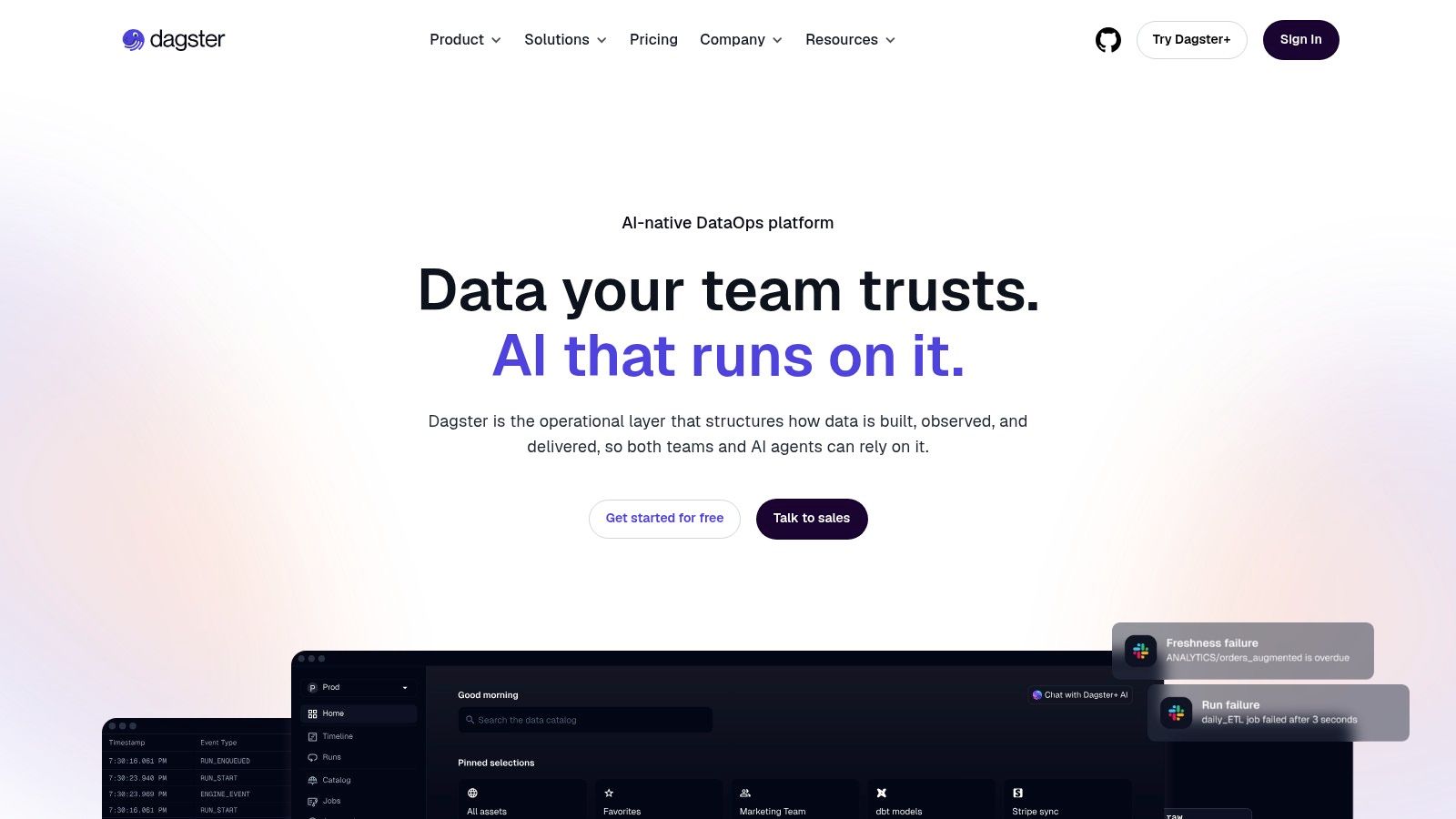
A common failure mode in a growing data platform looks like this. The scheduler says a job succeeded, but the table is stale, a partition is missing, and downstream dashboards are still wrong. Dagster is built around that reality. It models the data assets themselves, not just the tasks that happened to run.
That matters in stacks where the platform is organized around tables, models, feature sets, and ML artifacts. Teams can define what an asset is, how it is partitioned, what upstream dependencies it has, and what freshness expectations apply. The result is an orchestration layer that lines up more closely with how analytics engineers, data engineers, and ML engineers already talk about the system.
Why asset modeling changes the operating model
Dagster usually makes the most sense when the catalog matters as much as the schedule. In a modern stack, that often means dbt models in the warehouse, Python jobs for ingestion or enrichment, and ML workflows that need lineage and reproducibility in the same platform. Dagster handles that mix well because metadata, materializations, partitions, and checks are part of the core model rather than add-ons.
It also gives teams a practical way to tie orchestration to observability. You can see which asset updated, which partition failed, what code produced it, and what depends on it next. For platform teams trying to make ingestion, transformation, and quality signals work together, that is a meaningful difference from a scheduler centered mainly on task execution.
The trade-off is adoption surface area. Airflow still has broader enterprise history and more examples for unusual integrations. Dagster's asset-first approach is often clearer once teams commit to it, but it can require a mindset shift if the organization already treats every workflow as a collection of loosely related tasks. Pricing is another point to evaluate early with Dagster+, especially for teams expecting lots of runs, sensors, and asset activity.
Best fit: Teams building an asset-centric platform across ingestion, transformation, quality, and ML
What works: Data-aware orchestration, partitioned assets, lineage, dbt coordination, and strong local developer workflows
What doesn't: Organizations that want maximum legacy ecosystem coverage or have no interest in modeling the platform around assets
Dagster fits best as the control layer for a data platform that is being treated as a product, not just a set of scheduled scripts. If that is how your team is organizing the stack, Dagster is often the cleaner choice.
5. Prefect

Prefect tends to appeal to engineers who want orchestration without adopting a lot of orchestration ceremony. Its flow and task abstractions are Python-native, the developer ergonomics are good, and it's flexible about where compute runs. That combination makes it attractive for small to midsize teams that need something more structured than scripts but lighter than a heavily operated Airflow deployment.
It also fits mixed workloads well. If your team has warehouse jobs, API pulls, Python processing, and some ML steps, Prefect gives you a practical way to coordinate them without forcing a rigid platform model.
Where Prefect makes sense
Prefect is usually strongest when the team values quick adoption and straightforward Python authoring. You can get workflows into production with minimal boilerplate, then add cloud visibility, alerting, and deployment structure as the platform matures.
Where it falls behind is in deep enterprise standardization. Airflow has more established integrations and more institutional familiarity in large organizations. Prefect's higher-end governance features also sit behind paid tiers, so teams with strict SSO and RBAC requirements need to evaluate that early.
If your team keeps postponing orchestration because Airflow feels too heavy, Prefect is often the path that gets adopted instead of endlessly discussed.
The platform is flexible enough to support warehouse-centric teams and Python-heavy engineering groups. For organizations that want orchestration to feel like application code rather than scheduler administration, Prefect is a sensible choice.
6. Snowflake
A common platform pattern looks like this. SaaS data arrives through Fivetran, transformations run in dbt, orchestration sits in Airflow, Dagster, or Prefect, and Snowflake serves as the analytical system where governed tables, dashboards, and downstream data products live. That role is why Snowflake stays near the center of many modern stacks.
Its value is operational, not ideological. Teams get managed warehouse infrastructure, independent compute clusters through virtual warehouses, and strong support for multi-team isolation without running their own query engine. For organizations standardizing the warehouse layer across finance, product, operations, and analytics engineering, that simplicity matters.
Where Snowflake fits best
Snowflake is strongest in warehouse-first platforms where structured analytics, BI, reverse ETL, and governed sharing matter more than low-level storage control. It works well when different teams need separate compute policies, predictable access controls, and a common SQL surface. In practice, that often means one warehouse for ELT, another for BI, and smaller dedicated warehouses for ad hoc or department-specific workloads.
Time Travel, zero-copy cloning, and secure data sharing are also useful in day-to-day engineering. Cloning makes it easy to test dbt changes against production-scale data without duplicating storage. Time Travel helps recover from bad loads or accidental deletes. Native sharing reduces the friction of distributing curated datasets across business units or to external partners.
The trade-off is cost discipline.
Snowflake makes it easy for every team to spin up compute, which is great until no one owns warehouse sizing, auto-suspend settings, query tuning, or role design. Spend usually grows through convenience, not through a single bad decision. Teams that do well here set warehouse policies early, monitor query patterns, and treat cost governance as part of platform engineering, not an afterthought.
Snowflake also sits in an interesting spot relative to lakehouse architecture. If your platform needs mostly SQL analytics and governed data products, Snowflake is often the cleaner operating model. If you are comparing warehouse-first and lakehouse-first designs, this guide on what a lakehouse is and how to maintain data quality is a useful complement.
Best fit: Organizations building a managed, warehouse-centric platform with strong governance and cross-team analytics use cases
What works well: Independent compute, mature security controls, reliable SQL workflows, clean integration with ingestion, transformation, and BI tools
Watch for: Credit sprawl, weak warehouse standards, and teams treating compute isolation as a substitute for query optimization
Snowflake also shows up often in Azure-heavy environments where hiring matters as much as architecture. Teams spotting top 1% Azure data engineers usually look for people who understand warehouse design, cost controls, RBAC, and how Snowflake integrates with the rest of the platform. For warehouse-first data teams, Snowflake remains a safe, practical choice.
7. Databricks Data Intelligence Platform
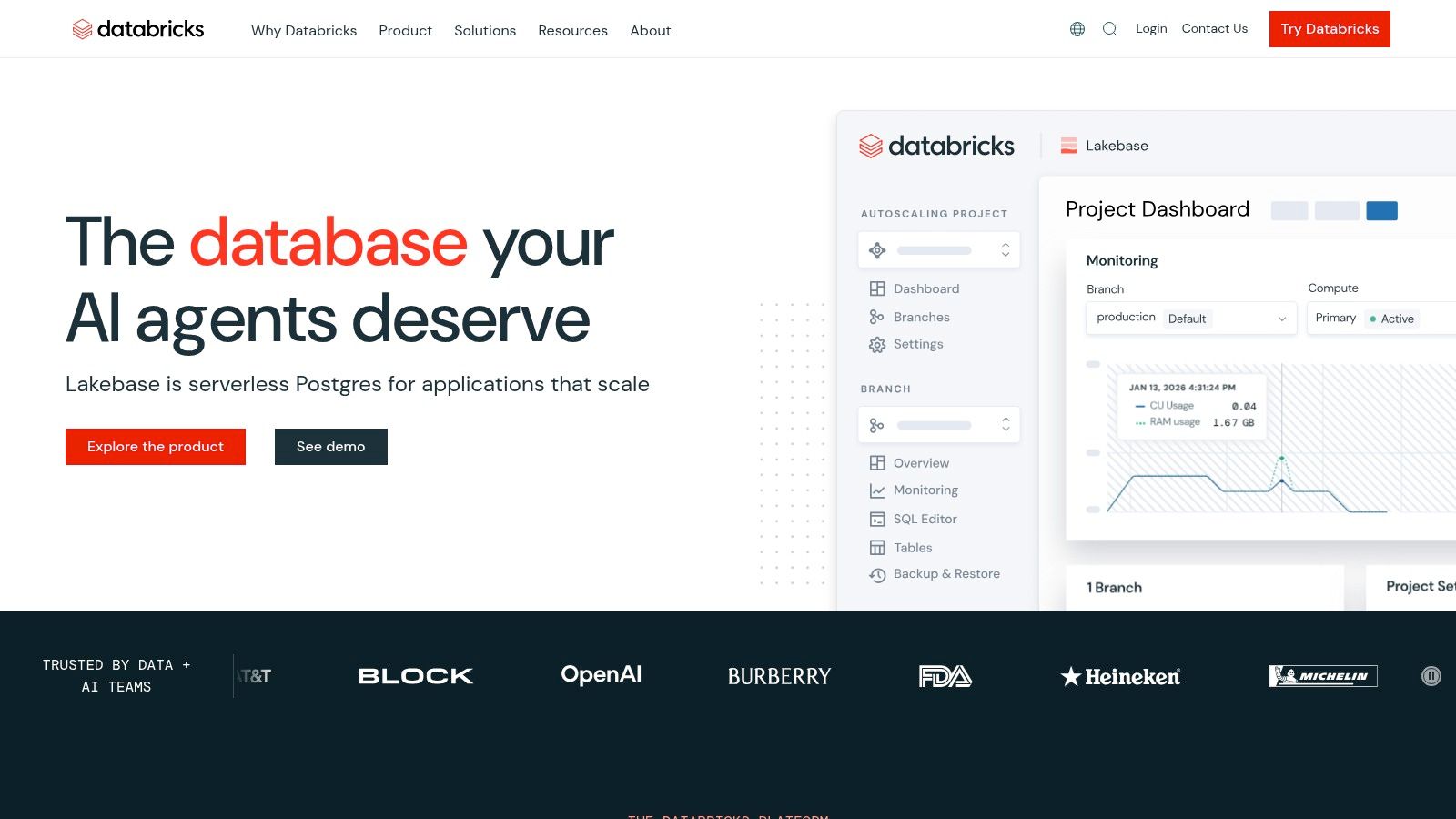
A common trigger for choosing Databricks is architectural sprawl. The team has batch pipelines in one system, streaming in another, notebooks scattered across cloud services, and ML workflows living outside the governed analytics stack. Databricks fits when the goal is to pull those layers into one platform and run them against the same data foundation.
That matters because Databricks is not just a warehouse or a Spark service. It sits in the modern data platform as the lakehouse layer, where ingestion, large-scale transformation, streaming, feature preparation, SQL access, and governance can share the same storage and metadata model. Teams that need one environment for engineers, analysts, and ML practitioners usually put it on the shortlist early.
Where Databricks fits in the stack
Databricks makes the most sense when the platform needs to serve multiple workload types from the same core data assets. Delta Lake handles reliable table semantics on object storage. Structured Streaming supports event-driven pipelines. SQL Warehouses give BI teams an interface that feels closer to a warehouse. Unity Catalog adds centralized governance across data and AI assets. If you are comparing warehouse-first and lakehouse-first designs, this guide on what a lakehouse is and how to maintain data quality is a useful reference.
The upside is consolidation. Fewer handoffs. Fewer copies of the same data. A more direct path from raw ingestion to production analytics and ML.
The trade-off is operational depth. Databricks rewards teams that know how to manage cluster policies, job orchestration, storage layout, permissions, and cost controls. Smaller teams sometimes buy into the full platform before they have enough workload complexity to justify it. In those cases, a simpler warehouse-centric stack can be easier to run and easier to govern.
It is also a strong fit for engineering-heavy environments where streaming and model development are part of the platform, not side projects. If you're evaluating talent for that kind of environment, this perspective on spotting top 1% Azure data engineers is useful because it reflects the broader skill set these platforms demand.
Databricks works best for teams building a unified platform, not just a reporting layer. If your stack needs to connect raw data processing, governed tables, real-time pipelines, and AI workflows in one place, Databricks is often the cleanest fit.
8. Google BigQuery

BigQuery is one of the easiest analytical platforms to operate because there's very little to operate. It's serverless, it scales well for warehouse workloads, and it fits naturally into Google Cloud environments that already use GCS, Looker, and Vertex AI. For teams that want minimal platform administration, it's often the cleanest option in this category.
That simplicity changes team behavior. Engineers spend less time on warehouse operations and more time on modeling, governance, and performance discipline. That's usually a good trade, but it doesn't remove the need for architecture choices.
BigQuery trade-offs in practice
The biggest advantage is transparency of scaling. Teams can start quickly and avoid provisioning drama. The biggest risk is weak query discipline. On-demand pricing rewards partitioning, pruning, and efficient model design. If analysts and engineers treat the warehouse like an unlimited scratchpad, cost surprises follow.
BigQuery also fits the broader shift toward lakehouse-style thinking, where storage, compute, and quality controls have to work together across raw and curated layers. This explainer on what a lakehouse is and how to maintain data quality is useful if your architecture is blending warehouse and data lake patterns.
Best fit: Google Cloud-centric organizations and teams that want low ops overhead
What works: Fast adoption, serverless execution, strong ecosystem integration
What doesn't: Cost control without query standards and ownership
For companies that want analytical scale without running warehouse infrastructure, Google BigQuery remains one of the most practical data engineer tools.
9. Confluent

A batch pipeline finishes at 2 a.m. An order service fails at 2:03. If the platform only learns about that problem in the next scheduled load, operations, product, and analytics are all working from stale information. Confluent fits the part of the stack built for event streams, where data movement, application integration, and downstream analytics have to react continuously.
Confluent is the managed Kafka option many teams choose when they need streaming but do not want to run Kafka themselves. It bundles managed Kafka, Schema Registry, Kafka Connect, and stream processing into a platform that can sit between operational systems and the rest of the data estate. In a modern data platform, that usually means Confluent handles the event backbone, while warehouses, transformation tools, and observability platforms handle modeling, storage, and downstream monitoring.
Where Confluent fits in practice
Confluent makes sense when streaming is a platform capability, not a side experiment. Common cases include CDC pipelines from transactional databases, event-driven microservices, fraud detection, IoT telemetry, clickstream collection, and operational alerting. Teams also use it to feed both application consumers and analytical consumers from the same stream, which is often cleaner than maintaining separate ingestion paths for every use case.
Managed Kafka matters because operating Kafka well is a real discipline. Partition strategy, broker sizing, retention, replication, schema compatibility, and connector behavior all affect reliability and cost. Confluent removes much of that cluster management burden, but it does not remove the architecture work. Poor topic design and weak ownership still create incidents.
The main trade-off is operational effort versus platform cost. Self-hosted Kafka can be justified for companies with strong platform engineering teams and strict infrastructure control requirements. Confluent is usually the better call when the team needs production-grade streaming quickly, especially across multiple environments or cloud accounts.
Streaming also changes how teams think about quality. A broken nightly model is bad. A malformed event schema pushed into several consumers is worse because the failure spreads immediately. That is why stream contracts, schema governance, and the difference between data observability and data quality become practical design concerns, not documentation topics.
Streaming systems reward clear ownership. Topics, schemas, retention policies, and downstream expectations need named owners from day one.
For organizations building a platform that spans ingestion, event transport, transformation, and monitoring, Confluent is a strong fit when real-time data is part of the operating model, not just an analytics preference.
10. digna
Most lists of data engineer tools stop too early. They cover ingestion, transformation, orchestration, and storage, then treat quality as a handful of dbt tests or a separate procurement decision. That misses a major operational problem in modern stacks. Engineers often spend a large share of their time dealing with fragmented tooling and the maintenance burden that comes with stitching quality and observability together. One industry analysis highlighted that teams spend 30 to 40% of their time on this kind of industrial overhead, integrating and debugging disjointed tools rather than building value, as described in EdgeRed's 2025 tooling analysis.
That's where digna is different. It combines data quality and observability in one platform, and it runs analyses inside the customer's own warehouse or lake environment. For regulated organizations, that architectural choice matters because it reduces data movement and keeps production datasets private.
Why digna stands out
digna is built around several connected capabilities. Data Anomalies learns baseline behavior and continuously detects unexpected changes. Data Analytics surfaces historical patterns and volatility. Timeliness monitors expected delivery and delays. Data Validation enforces record-level business rules. Schema Tracker flags structural changes like column additions, removals, and type modifications.
Its anomaly detection approach is especially relevant now. Emerging 2025 data indicates that 65% of pipeline failures stem from silent, unanticipated data drift rather than explicit rule violations, as summarized in this discussion of latent anomaly detection versus manual rule engines. That's exactly the failure mode traditional rule-heavy setups often miss.
AI-powered anomaly detection addresses this by learning normal behavior, including seasonality and trends, and using adaptive thresholds to reduce false positives while still catching real anomalies, which is explained in digna's overview of AI anomaly detection techniques. For teams tired of maintaining endless manual checks, that's a meaningful shift.
Where it solves a real platform problem
digna fits best in environments where trust, privacy, and operational clarity matter as much as raw pipeline throughput. Finance, healthcare, telecom, and public sector teams often need audit-friendly controls, schema change visibility, and strong handling of stale or late data. An in-database approach is attractive there because the vendor doesn't need access to production datasets.
It also helps reduce tool sprawl. Instead of running separate products for anomaly detection, timeliness monitoring, validation, and schema tracking, teams can centralize those functions in one interface. That's useful both for platform engineers and for business-facing stakeholders who need visibility without deep technical context.
For statistical detection, methods like Z-Score and IQR are established approaches for identifying outliers and distribution anomalies in quality pipelines, as outlined in Monte Carlo's explanation of anomaly detection methods. digna combines that statistical rigor with machine learning and in-database execution, which is why it feels more operationally grounded than many dashboard-only observability products.
The platform's positioning also reflects where the market is going. The global data engineering tools market is projected to reach $89.02 billion by 2027, up from $43.04 billion in 2022, and the Big Data Engineering Services Market is projected to grow at a 15.12% CAGR to $213.07 billion by 2031, according to DigitalDefynd's market summary. As platforms expand, reliability layers stop being optional.
One useful framing is the distinction between data observability vs data quality. digna covers both, which is why it's better understood as a reliability layer for the whole platform rather than a narrow testing tool. If compliance, privacy, and silent-drift detection are central requirements, digna is one of the most compelling additions to a modern stack.
Top 10 Data Engineering Tools: Feature Comparison
Product | Core features | UX / Quality | Pricing & Value | Target audience | Unique selling points |
|---|---|---|---|---|---|
Fivetran | Pre-built connectors, CDC, automated schema | ★★★★ Mature, low‑maintenance | 💰 MAR (usage) billing, can be costly at scale | 👥 ETL teams, enterprises | ✨ Fastest path to production ELT, broad connector library |
dbt (Core / Cloud) | SQL transformations, tests, docs & lineage | ★★★★★ Strong community, opinionated best practices | 💰 Open‑source core; Cloud = seats & usage costs | 👥 Analytics engineers, BI teams | ✨ Native lineage, CI/CD, docs generation |
Apache Airflow | Python DAGs, scheduling, retries, provider hooks | ★★★★ Proven at scale; ops-heavy | 💰 Open‑source (ops/infra cost) | 👥 Platform / infra teams | ✨ Highly extensible ecosystem & operator library |
Dagster (Dagster+) | Asset‑first orchestration, lineage, partitions | ★★★★ Developer‑friendly, growing community | 💰 Open‑source + Dagster+ credits/hosted | 👥 Teams needing asset modeling & lineage | ✨ Asset model, built‑in catalog & dbt integrations |
Prefect (Cloud) | Flows/tasks, deployments, serverless minutes | ★★★★ Lightweight, fast to adopt | 💰 Freemium → paid tiers for advanced features | 👥 Dev teams, SMBs, bring‑your‑own‑compute users | ✨ BYO compute + serverless/hosted flexibility |
Snowflake | Virtual warehouses, time travel, data sharing | ★★★★★ Elastic performance, minimal ops | 💰 Consumption (credits) by edition; monitor costs | 👥 Enterprises, analysts, data teams | ✨ Time Travel, zero‑copy cloning, easy scaling |
Databricks (Lakehouse) | Spark + Delta Lake, streaming, ML, Unity Catalog | ★★★★ Unified engineering + ML platform | 💰 DBU consumption + infra, complex forecasting | 👥 Data engineers, ML teams, large-scale analytics | ✨ Lakehouse with strong ML/streaming toolset |
Google BigQuery | Serverless SQL engine, slots, integrated ML | ★★★★★ Serverless, autoscaling, low ops | 💰 On‑demand bytes scanned or capacity slots | 👥 Google Cloud users, analytics teams | ✨ Serverless pricing modes, tight GCP integrations |
Confluent | Managed Kafka, Schema Registry, ksqlDB | ★★★★ Simplifies Kafka ops for production | 💰 Consumption/throughput pricing; can scale costly | 👥 Streaming & event teams, real‑time apps | ✨ Enterprise Kafka + governance & connectors |
digna 🏆 | In‑database AI anomaly detection, timeliness, record‑level validation, schema tracking, historical analytics | ★★★★★ Privacy‑first, unified observability & quality UI | 💰 Sales‑engagement (no public pricing), enterprise value focus | 👥 Enterprises in regulated sectors (finance, healthcare, telco, public) | ✨ In‑database baseline learning, vendor‑no‑access privacy, combined observability+quality in one platform |
Building a Cohesive and Future-Proof Data Stack
The best stack isn't the one with the most logos. It's the one where each layer has a clear job and the handoffs between layers are easy to reason about. In most modern platforms, that means choosing a practical ingestion path, a transformation standard, an orchestrator that matches your operating model, and a storage or lakehouse foundation that fits your workload shape.
A simple and effective pattern looks like this. Fivetran or another ingestion layer lands raw data. dbt standardizes transformation and testing in the warehouse. Airflow, Dagster, or Prefect coordinates dependencies and retries. Snowflake, BigQuery, or Databricks provides the storage and compute backbone. Confluent enters when the business needs event-driven or near-real-time processing.
That part is widely understood. What teams still underestimate is the cost of fragmentation after those tools are live. Infrastructure alone doesn't guarantee trust. Pipelines can succeed technically while delivering stale, drifted, incomplete, or structurally broken data. That's why observability and data quality can't sit off to the side as afterthoughts.
There's also an operational reality behind that conclusion. Data engineers now rely on a broader DevOps toolchain around Kubernetes, Docker, Terraform, Pulumi, and CI/CD systems such as GitHub Actions or GitLab CI. In one industry benchmark, 25% of data pipeline automation tasks were handled by these integrated platforms, and teams using that stack achieved 40% faster deployment cycles plus a 30% reduction in pipeline failures, according to MotherDuck's infrastructure and DevOps toolkit review. The lesson isn't that every team needs every tool. It's that mature platforms win through operational consistency.
Hiring pressure reinforces that. The same MotherDuck review notes that only 25% of applicants pass technical interviews for data engineering roles. Strong tools help, but they don't eliminate the need for clear standards, good ownership boundaries, and fewer moving parts where possible.
So the right question isn't which single product is best. It's which combination creates the least fragile system for your team. Some organizations should optimize for speed and buy more managed services. Others should optimize for control and run more infrastructure themselves. Some need a warehouse-first model. Others need a lakehouse because streaming and ML are core to the business.
The foundational layer is reliability. You need to know when data arrived late, when distributions shifted, when a schema changed, when validations failed, and what downstream assets are affected. That's the layer that protects dashboards, models, and stakeholder trust. A modern data platform without observability is still incomplete, no matter how good the ingestion or compute layers look on paper.
If your team has solid ingestion, transformation, and orchestration but still loses time chasing silent drift, late loads, and fragmented monitoring, digna is worth a close look. It gives you anomaly detection, timeliness monitoring, record-level validation, schema tracking, and historical observability in one privacy-first platform that runs inside your own environment.