• new

    Release 2026.06 - Bringing Data Observability Into Your Code

  • new

    Contribute to the Future of AI & Data Innovation

  • new

    • Release 2026.06 - Bringing Data Observability Into Your Code

  • new

    • Contribute to the Future of AI & Data Innovation

DEVELOPER RESOURCE

Bring data quality into your Python workflow.

Install the digna Python SDK to run reliable data checks where your pipelines already live.
Shield icon surrounded by data validation indicators showing “Passed” and “Failed” statuses, illustrating rule-based data quality checks for compliance and accuracy.

OFFICIAL PYTHON PACKAGE

digna-sdk

digna-sdk

The official digna SDK, available through the Python Package Index for transparent, standard package installation.

v0.0.1

Python 3.11+

MIT License

QUICK INSTALL

Install directly from PyPI.

Install directly from PyPI.

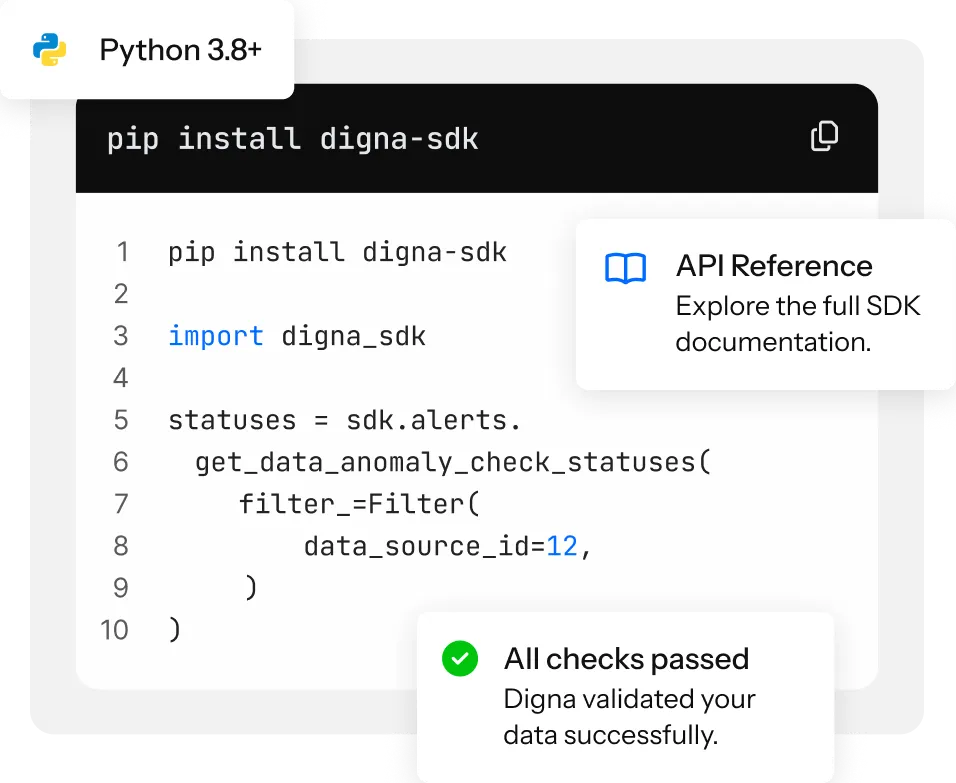
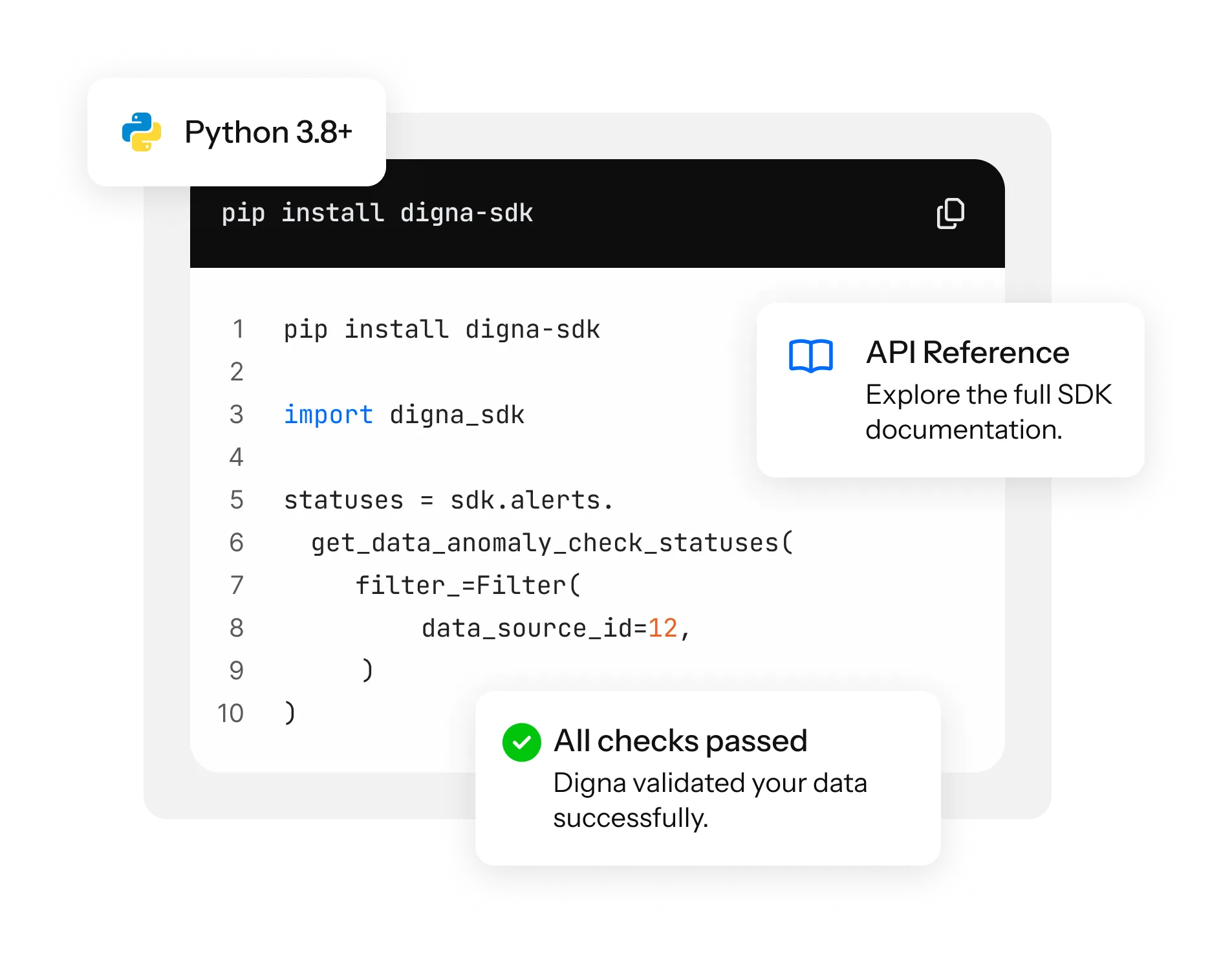
pip install digna-sdk

Use the official package listing to keep installation and version information close to your existing development workflow.

Start with three simple steps.

Start with three simple steps.

Start with three simple steps.

Install

Add the SDK to your environment with your preferred package manager.

Connect

Authenticate once, then point digna at the data your pipeline creates.

Validate

Define checks that fit your data model and keep quality visible from the first run.

From dashboard to code.

From dashboard to code.

From dashboard to code.

Until now, most interactions with digna happened in the platform dashboard. The Python SDK introduces direct programmatic access so teams can create projects, configure datasets, start inspections, retrieve results, and integrate quality checks into the systems they already use.

WITH THE SDK, DEVELOPERS CAN:

  • CREATE PROJECTS

  • CONFIGURE DATASETS AND TABLES

  • START INSPECTIONS

  • CONNECT QUALITY CHECKS TO EXISTING WORKFLOWS

  • CREATE PROJECTS

  • CONFIGURE DATASETS AND TABLES

  • START INSPECTIONS

  • CONNECT QUALITY CHECKS TO EXISTING WORKFLOWS

  • CREATE PROJECTS

  • CONFIGURE DATASETS AND TABLES

  • START INSPECTIONS

  • CONNECT QUALITY CHECKS TO EXISTING WORKFLOWS

  • CREATE PROJECTS

  • CONFIGURE DATASETS AND TABLES

  • START INSPECTIONS

  • CONNECT QUALITY CHECKS TO EXISTING WORKFLOWS

Built for modern data workflows.

Built for modern data workflows.

Built for modern data workflows.

Python is where data engineering, analytics, machine learning, automation, and infrastructure workflows come together. The SDK lets digna fit naturally into scripts, notebooks, orchestration tools, and data pipelines—turning monitoring, validation, and inspection into programmable building blocks.

Python is where data engineering, analytics, machine learning, automation, and infrastructure workflows come together. The SDK lets digna fit naturally into scripts, notebooks, orchestration tools, and data pipelines—turning monitoring, validation, and inspection into programmable building blocks.

Bring observability closer to the code where your data products are built.

Documentation and release information.

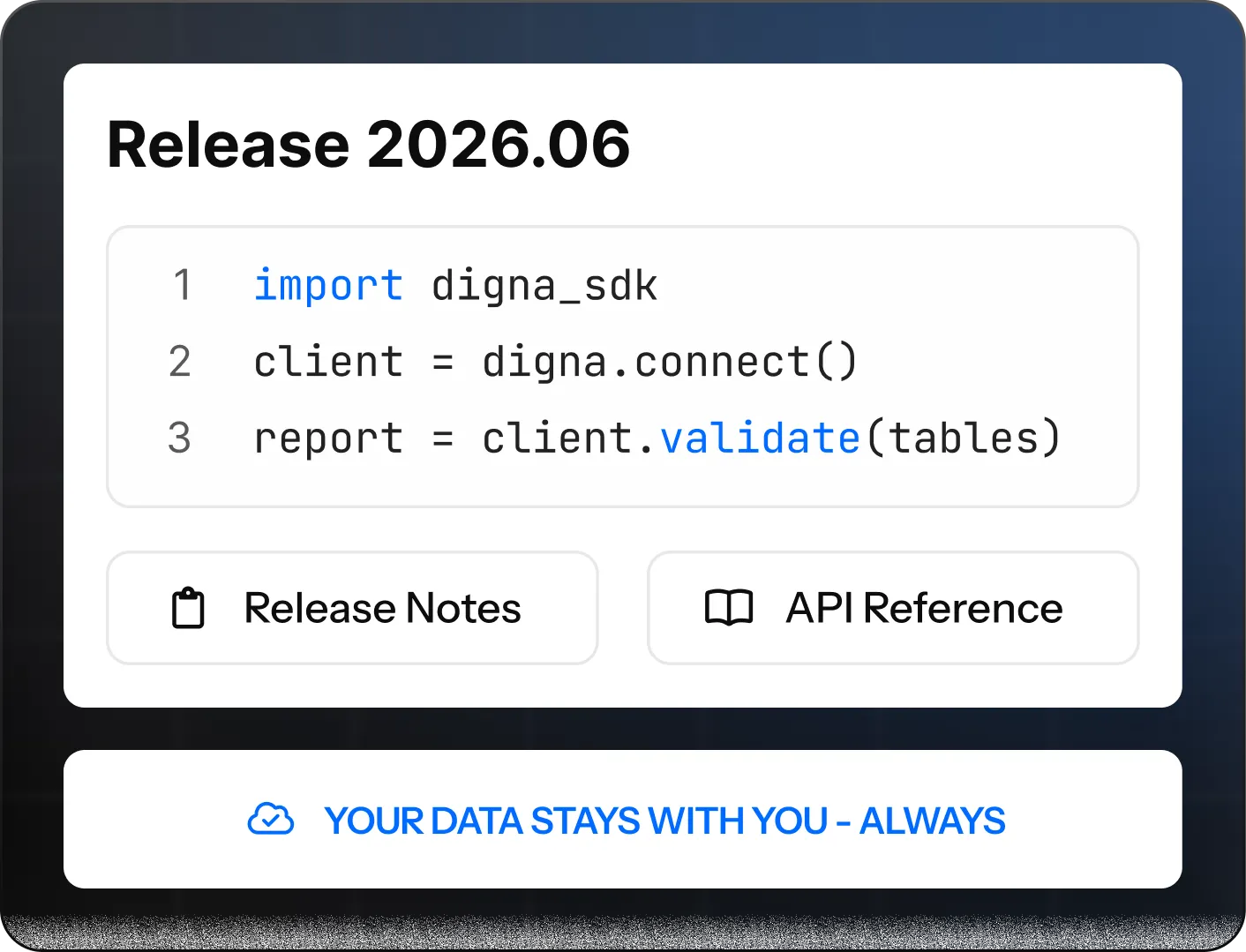
Release 2026.06 makes data quality and observability more accessible across technical teams. Read the updated guidance, explore the release notes, and start building with digna from your Python environment.

Documentation and release information.

Release 2026.06 makes data quality and observability more accessible across technical teams. Read the updated guidance, explore the release notes, and start building with digna from your Python environment.

Documentation and release information.

Release 2026.06 makes data quality and observability more accessible across technical teams. Read the updated guidance, explore the release notes, and start building with digna from your Python environment.