Top 10 Data Profiling Software Tools for 2026
|
0
minute de lecture

You're usually not shopping for data profiling software because everything is going well. You're in it because a schema changed overnight, a load arrived late, a KPI moved without explanation, or a dashboard trust issue has started spreading beyond one team. The right tool doesn't just summarize columns, it helps you catch drift early, understand where data is breaking, and decide whether the fix belongs in source systems, ETL, or governance.
Modern profiling has moved well beyond one-time inspection. Vendor documentation now treats it as continuous observability, where tools calculate statistics like null rates, distinct counts, distributions, and trend changes over time, then compare them to prior behavior to spot anomalies and drift Dataedo's profiling overview. That shift matters for enterprise teams because profiling now sits inside operational data workflows, not just in cleanup projects.
The market reflects that shift. The broader data quality tools market, which includes profiling and validation, was valued at USD 2.6 billion in 2025 and is forecast to reach USD 8.0 billion by 2036, with a 10.7% CAGR from 2026 to 2036, according to Fact.MR's market report. If you're evaluating tools for a regulated or high-volume environment, the comparison has to go deeper than column statistics and dashboards.
Table of Contents
1. digna
Why it fits enterprise reality
Best fit
2. Informatica Data Quality
Where it makes sense
Best fit
3. IBM InfoSphere Information Analyzer
Strong governance, heavier adoption
Best fit
4. Talend Data Quality
Good for hands-on teams
What to watch
5. Ataccama ONE
Broad platform, real coordination needs
Best fit
6. Collibra Data Quality and Observability
Profiling tied to governance actions
Best fit
7. SAP Information Steward
Why SAP teams like it
Best fit
8. Oracle Enterprise Data Quality
Strong in Oracle-heavy environments
Best fit
9. Precisely Trillium Quality
Built for scale and consistency
Best fit
10. Alteryx Designer Cloud
Profiling inside the prep flow
Best fit
Top 10 Data Profiling Tools Comparison
A Checklist for Choosing Enterprise-Ready Data Profiling
An Enterprise Decision Checklist
1. digna
digna stands out because it treats profiling as an operational control, not a reporting layer. It runs entirely inside your infrastructure, so the production data stays in your environment, and it executes checks in-database, which is exactly what security and governance teams want to hear when sensitive data is involved.
Why it fits enterprise reality
The platform combines AI-driven baseline learning with statistical monitoring, so teams don't have to hand-code every anomaly rule. It also covers timeliness, schema tracking, and record-level validation, which means it reaches beyond classic profiling into the failure modes that break dashboards, pipelines, and audit trails. That broader scope lines up with the reality of modern profiling, where historical trends and drift detection matter as much as descriptive summaries digna's data profiling and observability documentation, AltexSoft on continuous profiling and reprofiling.
Practical rule: if your team can't move sensitive data out of its own environment, prioritize tools that compute in place and support private cloud, VPC, or on-prem deployment.
digna's modular setup is also practical. Teams can start with one module, then expand into Data Anomalies, Data Analytics, Timeliness, Data Validation, and Schema Tracker as their maturity grows. That helps large organizations avoid buying a giant suite before they've proven which monitoring problem hurts most.
The trade-off is straightforward. Because the platform is designed for in-database execution inside customer infrastructure, you need to verify database compatibility and plan for operational ownership. The upside is a tighter governance posture and less data movement. The vendor also positions pricing as modular and usage-stable, with base fee plus per-active-table module charges, so commercial discussions stay tied to scope rather than alert volume or API calls.
Best fit
Security-first enterprises that need profiling without exporting production data.
Data teams that want anomaly detection, timeliness, and schema drift in one place.
Regulated industries where auditability and infrastructure control matter.
digna is strongest when profiling has to become part of the control plane, not just another analytics report.
2. Informatica Data Quality
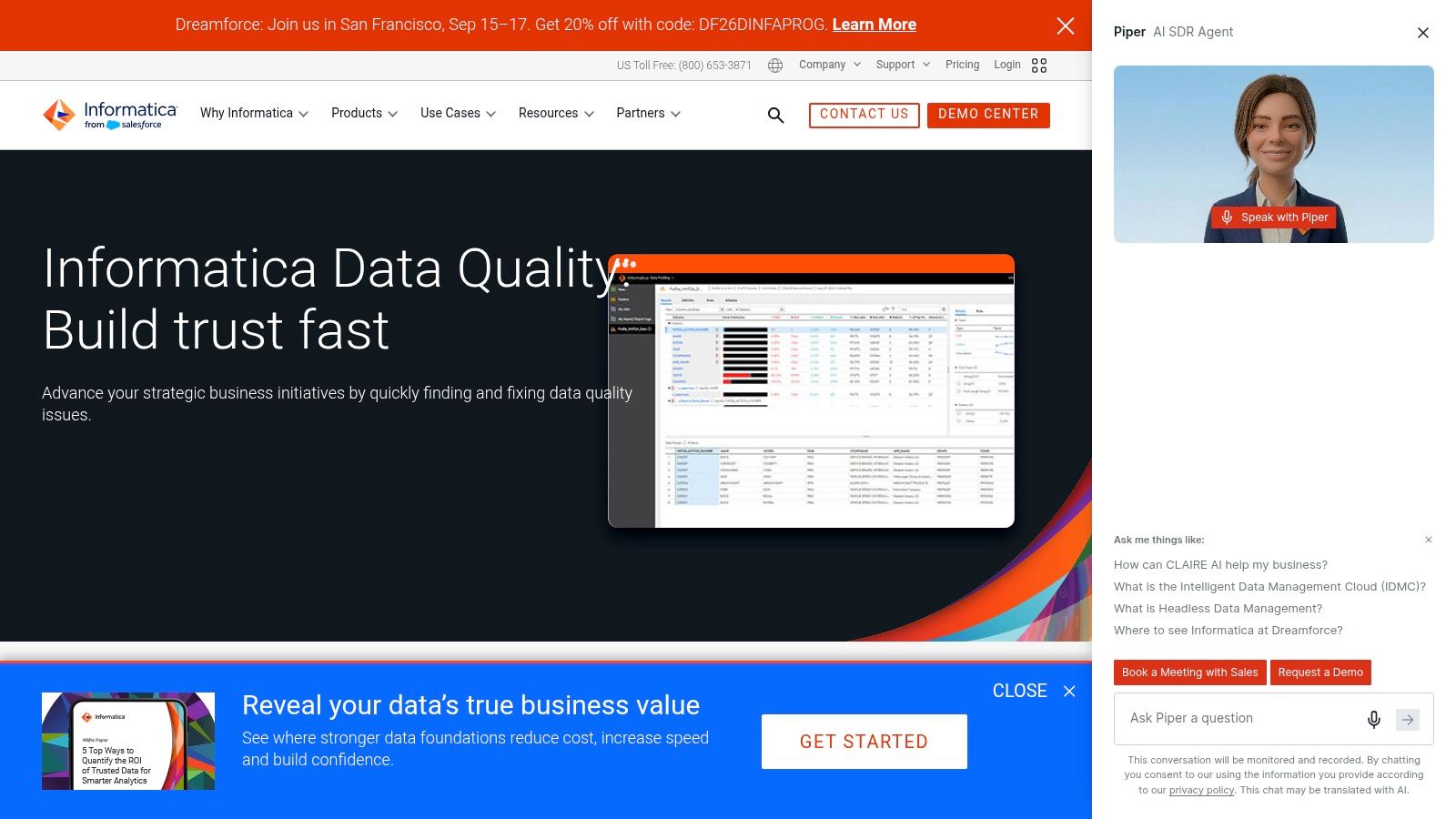
Informatica Data Quality is the kind of platform enterprise teams choose when they want depth, maturity, and a broad ecosystem. It sits inside Informatica's wider data management stack, so profiling rarely arrives alone. It usually comes alongside governance, metadata, integration, and remediation workflows.
Where it makes sense
The platform is a strong fit for organizations already standardized on Informatica for integration or catalog work. In that setting, profiling feels integrated rather than bolted on, and the team gets a consistent operating model across discovery, rule management, standardization, matching, monitoring, and remediation. The official product page for Informatica Data Quality emphasizes that enterprise alignment.
From a practitioner's perspective, the biggest advantage is depth. You get the kind of profiling coverage that large teams need, column statistics, patterns, outliers, duplicates, and drill-through paths that help stewards move from “something looks off” to “this record set needs attention.” That makes it useful in multi-team environments where profiling results need to feed governance decisions, not just engineering cleanup.
The downside is the usual enterprise-suite tax. Licensing and administration can become heavy at scale, and the learning curve is steeper than lighter profiling tools. For teams with dedicated data quality staff, that's manageable. For lean platform teams, it can feel like more platform than they need.
Best fit
Large enterprises already invested in Informatica.
Governed data operations that need profiling tied to stewardship and remediation.
Teams that want breadth across discovery, quality, and monitoring.
The practical question is simple. If you already live in the Informatica stack, this tool can be a natural extension of that world. If you don't, you'll want to be sure the operational overhead is worth it.
3. IBM InfoSphere Information Analyzer
IBM InfoSphere Information Analyzer is built for environments where profiling has to fit into a broader governance architecture. It's not trying to be a lightweight point solution. It's meant for organizations that already think in terms of lineage, stewardship, and policy-driven data management.
Strong governance, heavier adoption
The product's value rises when it's paired with other IBM tools such as DataStage or Watson Knowledge Catalog. In those environments, profiling becomes part of a larger decision system, not a standalone task. The IBM product page for InfoSphere Information Analyzer positions it in that enterprise context.
Its strength is structural and content analysis at scale, with rule checks that make sense in regulated or operationally sensitive settings. Teams working across heterogeneous sources can use it to evaluate consistency before issues spread downstream, which matches the long-standing profiling model described across major vendor documentation and IBM's own profiling guidance IBM's data profiling topic.
The trade-off is adoption weight. If you're not already in the IBM ecosystem, the platform can feel like a large commitment. It's best when governance, lineage, and profiling are part of the same operating model. It's less attractive when a team just wants fast profiling in a narrow deployment.
Practical rule: choose IBM when governance context matters as much as the profile itself. If the result won't feed stewardship or lineage, you may be buying more platform than value.
Best fit
Regulated enterprises with IBM-centric architectures.
Data governance programs that need profiling to support policy and lineage.
Organizations with heterogeneous sources that require enterprise-grade assessment.
If your data estate is already built around IBM, this tool can slot in well. If not, its value proposition weakens quickly.
4. Talend Data Quality
Talend Data Quality works well for teams that want profiling inside a broader data fabric rather than as a separate specialist product. It blends profiling, cleansing, enrichment, and stewardship inside Talend Data Fabric, which makes it more useful when the same people are also preparing and moving data.

Good for hands-on teams
The self-service experience matters here. Non-engineers can work in a UI that gives them real-time feedback, which lowers the barrier to entry for analysts and stewards who need to inspect data quickly. The broader Talend Data Fabric platform is useful if you want profiling to sit beside integration and governance rather than live as a detached tool.
Talend's practical strength is accessibility. Teams can inspect datasets, see patterns, and move into curation without switching systems. That helps in organizations where data prep is shared across technical and semi-technical users. It also fits enterprises that want broad connector coverage across cloud and on-prem environments.
The drawback is complexity at scale. Edition differences matter, pricing can vary by package, and operations get more complicated as deployments expand. That makes Talend a good fit when the team is prepared to standardize on the platform, not when it wants a narrow and simple point tool.
What to watch
Edition scope can change what you get.
Connector breadth is useful, but only if your main sources are already in the stack.
Operational overhead grows as more teams depend on the platform.
Talend is best when profiling is part of a broader preparation workflow and the organization values self-service access. If governance is your top priority, compare it carefully with more governance-centric platforms.
5. Ataccama ONE
Ataccama ONE is one of the strongest choices for enterprises that want profiling, catalog, observability, and quality in a single platform. It doesn't treat profiling as a side module. It puts it close to rule creation, anomaly detection, and lineage context, which is where many teams need it.
Broad platform, real coordination needs
The platform supports automated profiling across connections, and its profiling jobs can run with pushdown execution options. That matters because enterprise teams often care less about the interface and more about whether the platform can work close to the data source. The Ataccama platform page makes clear that profiling sits inside a wider data operations stack.
The AI-assisted rule authoring is useful when teams don't want to handcraft every validation rule from scratch. In practice, that can shorten the time between first discovery and first useful control. It also helps when stewards and engineers need a shared place to interpret results.
The trade-off is platform breadth. A unified stack reduces vendor sprawl, but it also means you need enough internal governance to keep the platform organized. If you buy Ataccama, you're not just buying a profiler, you're buying an operating model.
The best Ataccama deployments are the ones where data quality, catalog, and observability are owned together, not handed to separate teams with different priorities.
Best fit
Large organizations that want a broad quality platform.
Teams that want pushdown execution and richer integration.
Governance programs that prefer fewer vendors and one shared workflow.
Ataccama is a strong platform bet, especially if your current toolset is fragmented. The price of that consolidation is administrative discipline.
6. Collibra Data Quality and Observability
Collibra's strength is governance, and its Data Quality and Observability product extends that strength into profiling and monitoring. It works best when the organization already uses Collibra as the system of record for metadata, stewardship, and governance workflows.
Profiling tied to governance actions
The platform gives you column-level statistics, sampling, lineage, and trend insights, but its value is in how those results attach to monitors and governance actions. That makes profiling much more actionable for organizations that want alerts to connect directly to stewardship or policy workflows. The Collibra Data Quality and Observability product is clearly aimed at that use case.
Pushdown scanning and Edge execution also matter here. Those capabilities give enterprise teams more control over where computation happens, which can help with security and architecture fit. That's important when profiling needs to respect source systems, cloud boundaries, or operational constraints.
The main caution is obvious. If you're not already using Collibra, you may not get enough value from the platform to justify the move. Collibra is strongest as part of a governance-first architecture, not as a stand-alone profiling purchase.
Collibra and data observability compared with data quality is useful reading if you're trying to separate governance, monitoring, and profiling responsibilities before you commit to a platform.
Best fit
Governance-led enterprises already invested in Collibra.
Teams that want profiling and alerting to feed the same governance workflow.
Organizations needing pushdown or Edge options for architectural control.
Collibra makes the most sense when metadata management is already central. If your governance program is elsewhere, the fit gets less compelling.
7. SAP Information Steward
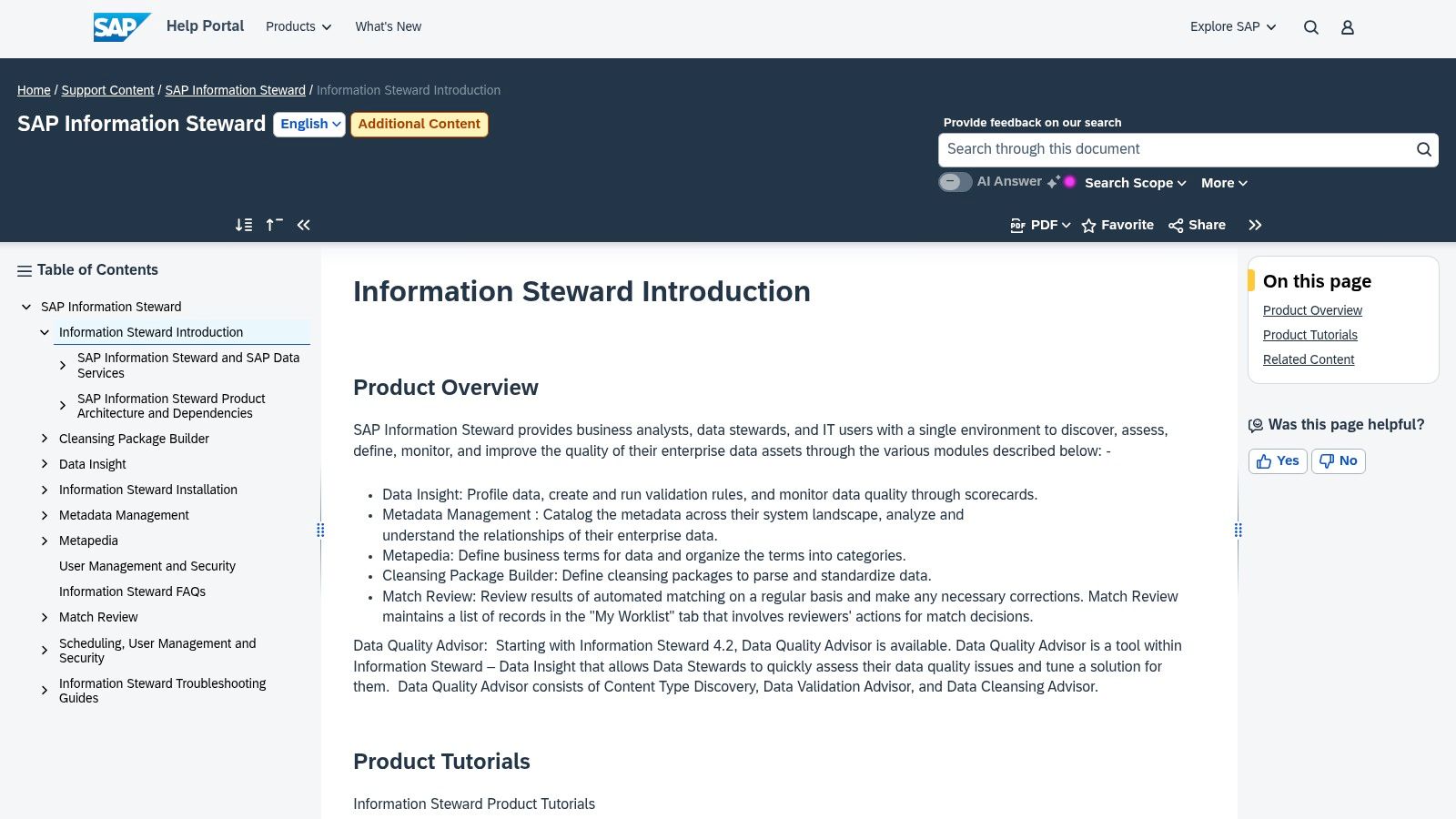
SAP Information Steward is the practical choice for SAP-centric environments. It's built for teams that already rely on SAP HANA, SAP BW, or related SAP data tools, and it shows in how naturally it fits into those environments.
Why SAP teams like it
The product supports in-database profiling with statistics, pattern and word distributions, plus a Data Validation Advisor that suggests rules from profiling results. That rule suggestion capability is useful because it reduces the time stewards spend translating raw profiles into controls. The SAP Information Steward documentation reflects that SAP-oriented design.
For enterprises running a lot of work through SAP systems, the value is compatibility. You get a tool that understands the stack and fits into existing operational patterns. That can save a lot of integration effort compared with a generic profiling platform trying to learn the environment from scratch.
The downside is equally clear. Outside SAP-heavy environments, it can feel traditional and heavier than modern SaaS alternatives. The UI and workflow reflect an older enterprise product style, so teams should test usability carefully before standardizing on it.
Practical rule: if your data estate is SAP-first, choose the tool that shortens operational distance between profiling, validation, and SAP data sources.
Best fit
SAP-native enterprises with HANA and BW in the stack.
Stewardship teams that want rule suggestions from profiling results.
Organizations that value in-database analysis inside SAP environments.
SAP Information Steward is not trying to be everything for everyone. It's trying to be dependable where SAP is already the center of gravity.
8. Oracle Enterprise Data Quality
Oracle Enterprise Data Quality is a strong fit when Oracle platforms and applications dominate the data environment. It's designed to support profiling, parsing, standardization, matching, and monitoring in a way that aligns with Oracle databases and integration tooling.
Strong in Oracle-heavy environments
The profiling side uses a library of Profilers to assess structure, content, and quality indicators before rules are implemented. That's valuable because it gives teams a way to understand the data before they lock in standardization or matching logic. The Oracle EDQ page positions the product as part of a broader enterprise quality workflow.
It's also a collaborative tool in the sense that profiling results can support stewardship workflows rather than living only with one engineer. That matters in large organizations where business owners need to validate what “good” means before controls get enforced.
The trade-off is the usual one with platform-specific enterprise products. If your estate is mostly Oracle, the fit can be excellent. If it isn't, integration effort becomes a real consideration, and public pricing transparency is limited, so vendor engagement is usually necessary before serious evaluation.
Best fit
Oracle-centric organizations that want native alignment.
Teams that need profiling plus standardization and matching in one place.
Enterprises with collaborative stewardship workflows.
Oracle EDQ rewards platform standardization. It's less compelling when the rest of your stack lives elsewhere.
9. Precisely Trillium Quality
Precisely Trillium Quality has the feel of a platform that's been around long enough to understand enterprise data messiness. It focuses on profiling, cleansing, standardization, and matching at scale, which makes it especially relevant for high-volume environments.

Built for scale and consistency
This is the kind of tool teams choose when the same data quality problems keep resurfacing in different systems. Its profiling and scoring capabilities help organizations work across large, disparate datasets, and its modules support distributed processing in big data environments. The Precisely Trillium Quality product page reflects that enterprise positioning.
The strongest argument for Trillium is reliability. Its history in financial services, insurance, and telecom shows up in the way it handles matching and standardization, especially when precision matters more than flash. If you need a mature engine for high-risk records, this is the sort of tool that tends to survive long procurement cycles.
The downside is interface feel and commercial complexity. It's an enterprise product, so pricing and architecture need careful review, and the workflow can feel more traditional than newer SaaS tools. That's not a deal-breaker, but it is a factor if your teams expect a modern browser-first experience.
Precisely's data profiling techniques guidance is a useful companion if you're mapping the platform's mechanics to your own profiling strategy.
Best fit
High-volume regulated industries.
Teams that prioritize matching and standardization.
Organizations with mature data quality operations.
Trillium is a strong choice when scale and trust matter more than novelty. It's a serious enterprise engine, not a lightweight self-service tool.
10. Alteryx Designer Cloud
Alteryx Designer Cloud, powered by Trifacta, is a good fit for teams that want profiling embedded directly in preparation and transformation workflows. It's visually oriented, browser-based, and designed for analysts who need to explore data while they work.
Profiling inside the prep flow
The value here is speed of inspection. Users can profile before, during, and after transforms, which makes anomaly spotting part of the data prep habit instead of a separate task. The Alteryx Designer Cloud product page positions it as a cloud-first experience with scalable execution.
That makes it especially useful for analyst-heavy teams that don't want to depend on engineering for every inspection cycle. The workflow is approachable, and the absence of local installs for the cloud product simplifies adoption. Private storage options also help with enterprise comfort, though buyers still need to verify what that means for their own governance model.
The limitation is scope. This is stronger as a profiling-and-prep environment than as a full enterprise data quality governance platform. If you need broader stewardship, issue management, and policy integration, you may outgrow it.
Best fit
Analyst-driven teams that live in preparation workflows.
Organizations wanting a modern browser UI.
Cloud-first groups that value quick inspection and scalable execution.
Alteryx Designer Cloud is a productivity play. It helps people clean, inspect, and transform faster, but it won't replace a broader governance platform in a complex enterprise.
Top 10 Data Profiling Tools Comparison
Product | Core Capabilities | UX & Quality ★ | Value / Pricing 💰 | Target 👥 | Unique Selling Points ✨ |
|---|---|---|---|---|---|
digna 🏆 | AI-driven anomaly detection, timeliness, record-level validation, schema tracker, in‑database execution | ★★★★☆, unified dashboard; rapid time‑to‑value | Modular: base fee + per‑active‑table; transparent 💰 | 👥 Enterprise analytics, data engineering, regulated industries | ✨ Runs inside customer infra; in‑database metrics; privacy-first; modular scale |
Informatica Data Quality (IDQ) | Profiling, discovery, rule management, matching, remediation | ★★★★☆, mature, enterprise-grade | Enterprise/quote; can be costly at scale 💰 | 👥 Large enterprises, existing Informatica customers | ✨ Deep governance/catalog integration; broad ecosystem |
IBM InfoSphere Information Analyzer | Structural/content profiling, assessments, governance integration | ★★★☆☆, proven in regulated environments | Enterprise/quote; best value with IBM stack 💰 | 👥 Regulated enterprises, IBM-centric stacks | ✨ Strong lineage & governance alignment |
Talend Data Quality | Profiling, cleansing, enrichment, self‑service curation | ★★★★☆, accessible UX for analysts | Edition-based pricing; module variability 💰 | 👥 Teams needing self‑service + integration | ✨ Self‑service profiling + tight pipeline integration |
Ataccama ONE | Profiling, catalog, AI-assisted rule authoring, observability | ★★★★☆, modern guided workflows | Enterprise/quote; full‑platform pricing 💰 | 👥 Enterprises wanting unified DQ + catalog | ✨ AI-assisted rules; pushdown execution options |
Collibra Data Quality & Observability | Profiling, automated/custom monitors, pushdown scanning | ★★★★☆, governance-centric UX | Quote-based; best when combined with Collibra 💰 | 👥 Metadata-driven organizations | ✨ Native link to Collibra catalog & alerts |
SAP Information Steward | In‑database profiling, rule suggestion, dashboards | ★★★☆☆, SAP-focused | SAP licensing; enterprise pricing 💰 | 👥 SAP HANA / BW landscapes | ✨ Data Validation Advisor; SAP integration |
Oracle Enterprise Data Quality (EDQ) | Profilers, parsing, standardization, matching, monitoring | ★★★☆☆, enterprise toolset | Quote-based; optimized for Oracle environments 💰 | 👥 Oracle-centric enterprises | ✨ Rich profiler library; tight Oracle integration |
Precisely Trillium Quality | Profiling, cleansing, matching, big‑data modules | ★★★☆☆, scalable for high volume | Enterprise pricing; architecture dependent 💰 | 👥 Regulated industries, high‑volume use cases | ✨ Deep matching heritage; scalable engine |
Alteryx Designer Cloud (Trifacta) | Visual data prep with continuous profiling | ★★★★☆, very user‑friendly | SaaS subscription; cloud-focused 💰 | 👥 Analysts, self‑service data teams | ✨ Visual, in‑flow profiling; modern browser UI |
A Checklist for Choosing Enterprise-Ready Data Profiling
With a diverse market of powerful tools, selecting the right data profiling software depends entirely on your enterprise's specific technical, security, and operational requirements. Use the following checklist to guide your evaluation process and frame conversations with vendors.
An Enterprise Decision Checklist
Security and Governance: Does the tool need to run within our private cloud, VPC, or on-premises data center? Is in-database execution a strict requirement to prevent sensitive data movement and reduce security review overhead?
Profiling and Detection Methods: Do we need AI-driven anomaly detection to minimize manual rule maintenance, or is a traditional, rules-based statistical approach sufficient for our use cases?
Scope of Monitoring: Is our primary need basic profiling, or do we require an integrated platform that also covers data timeliness, record-level validation, and schema change tracking?
Integration and Scalability: How well does the tool connect with our critical data sources, warehouses, data lakes, and streaming pipelines? Is the architecture designed for enterprise scale?
Pricing and Licensing Model: Is the pricing model transparent and predictable? Does it scale based on data volume, compute usage, number of users, or number of alerts, potentially leading to cost overruns?
Deployment and Operational Overhead: What internal resources are required to deploy, configure, and maintain the platform? How quickly can we get from installation to actionable insights?
Modern data profiling has moved from one-time inspection to ongoing monitoring, and that change affects every enterprise buying decision. The strongest tools now combine descriptive statistics, historical trend tracking, and drift detection so teams can catch problems before dashboards fail or models absorb bad inputs. For regulated industries, that shift also raises the bar for where data is processed, who controls it, and how much data leaves the environment.
The most useful distinction is no longer “does it profile data.” Almost every serious platform does. The real questions are whether it can run inside your infrastructure, whether it supports in-database execution, whether it can scale across heterogeneous pipelines, and whether it turns profiles into actual controls rather than leaving teams with a pile of reports. That's where tools like digna stand out, because they connect profiling to timeliness, validation, and schema monitoring in a deployment model built for enterprise governance.
Use the checklist above to pressure-test vendors against your own architecture and operating model. If your priority is secure, in-environment profiling with monitoring that extends beyond basic summaries, start with digna and compare it against the rest of your stack on deployment fit, control depth, and time to value.
If you're evaluating data profiling software for a regulated or high-scale environment, visit digna to see how in-database profiling, schema tracking, timeliness monitoring, and record-level validation work inside your own infrastructure. It's a practical place to start if you want profiling that supports security, governance, and day-to-day reliability instead of just another dashboard of statistics.


